















 ● 20 min read
Showdown: RS550 12V DC 8000 vs RS-555 12V DC 6000 RPM DC Motor
Vol. 56 | The Heavyweight DC Drivetrain Duel Reliability isn’t optional when you’re designing actuators that need to move actual steel or
Read Article →
| Bulk Pricing | ||
|---|---|---|
| QTY | Unit Price(Inlc. GST) | |
| 2+ | ₹244.02 ₹ 206.8 + 37.22 GST | |
| 4+ | ₹241.53 ₹ 204.69 + 36.84 GST | |
| 6+ | ₹239.04 ₹ 202.58 + 36.46 GST | |
| 10+ | ₹236.55 ₹ 200.47 + 36.08 GST | |
Highly visible 0.56-inch 4-digit green LED display module. Powered by the TM1637 chip, it requires only two I/O pins (CLK and DIO) to interface with Arduino or Raspberry Pi. Features a center colon, perfect for digital clocks.
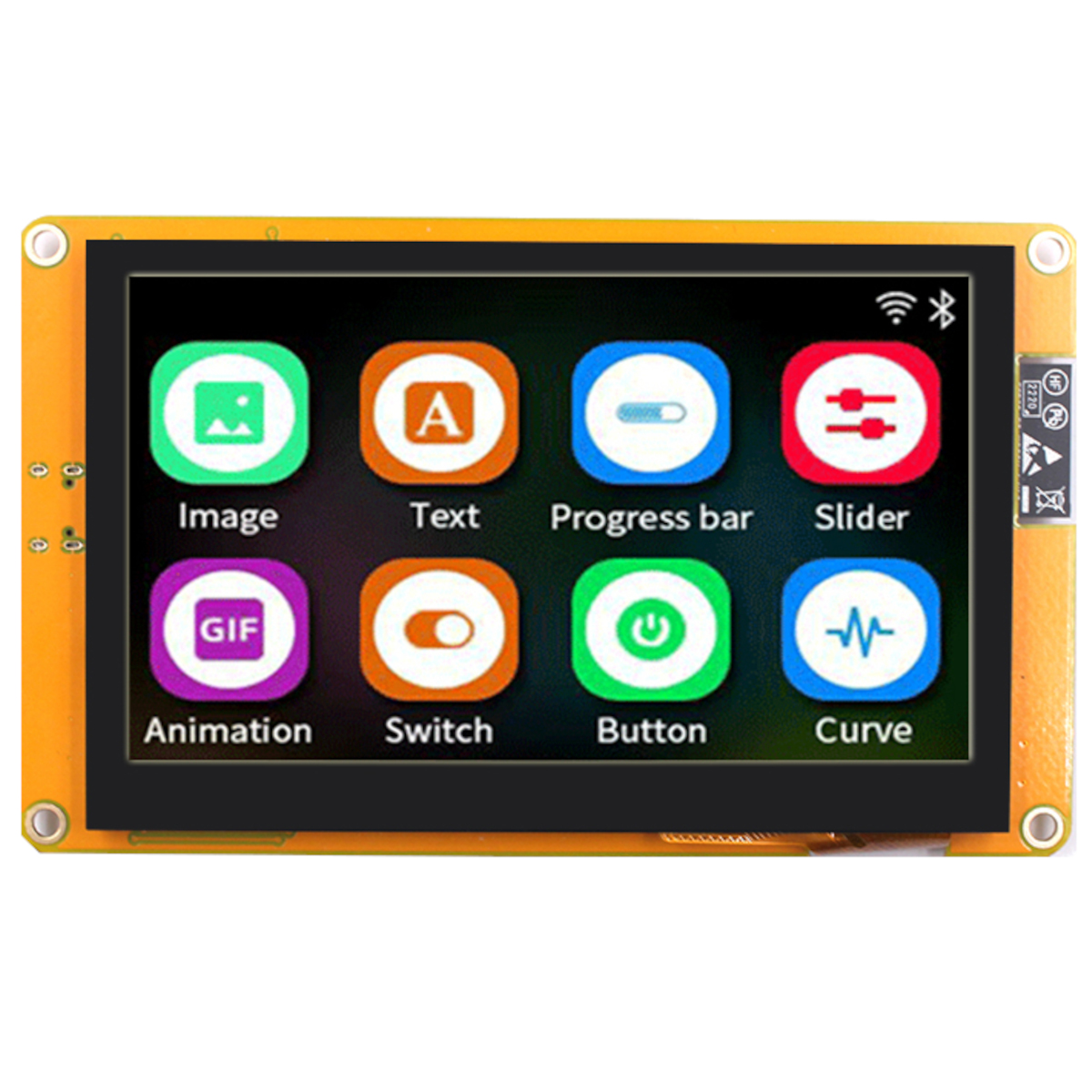 4.3 Inch LCD Touch Display with ESP32-S3 Development Board ₹6,999.00
 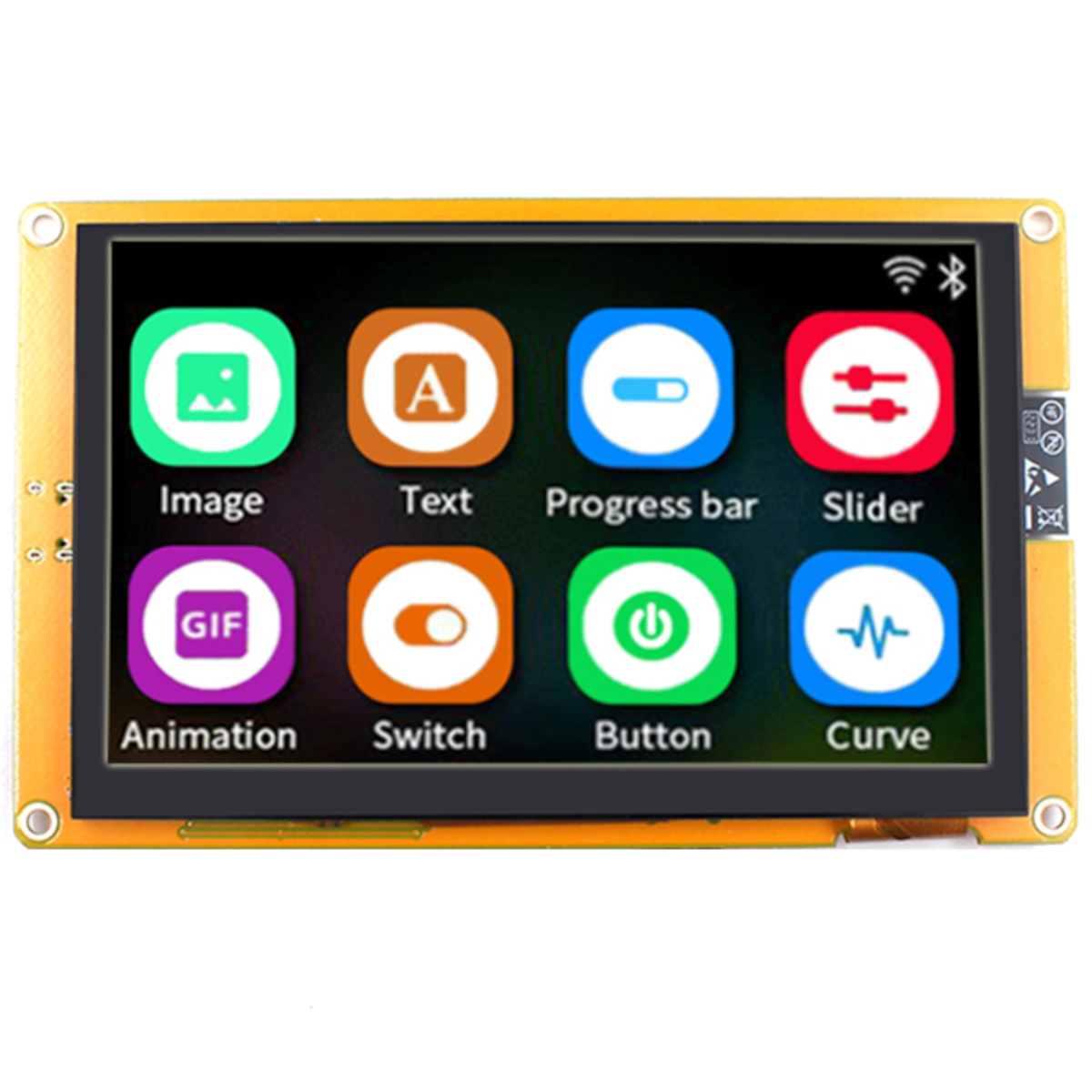 5 Inch LCD Touch Display + I2S Audio output with ESP32-S3 Development Board ₹8,999.00
 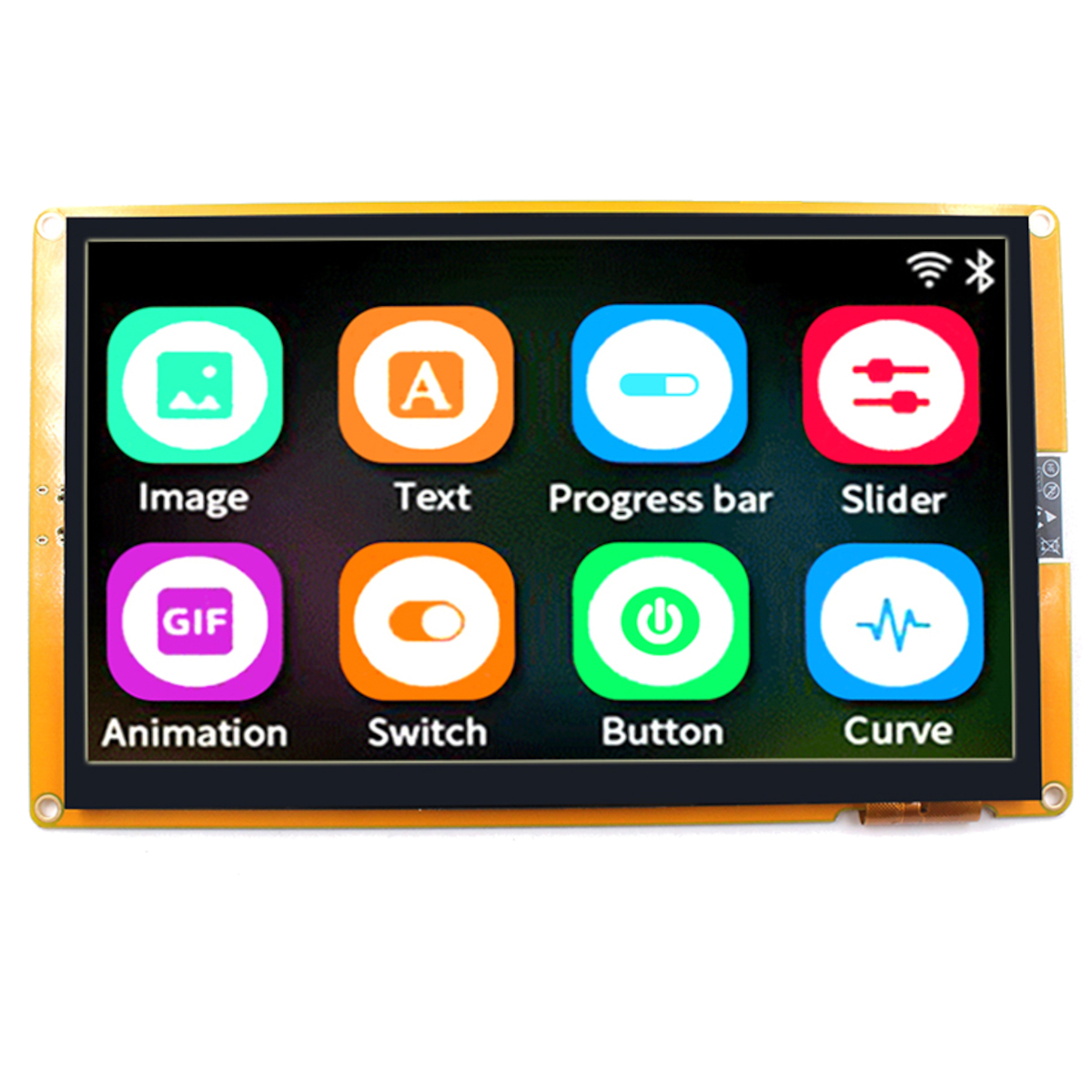 7 Inch LCD Touch Display I2S Audio output with ESP32-S3 Development Board ₹9,999.00
 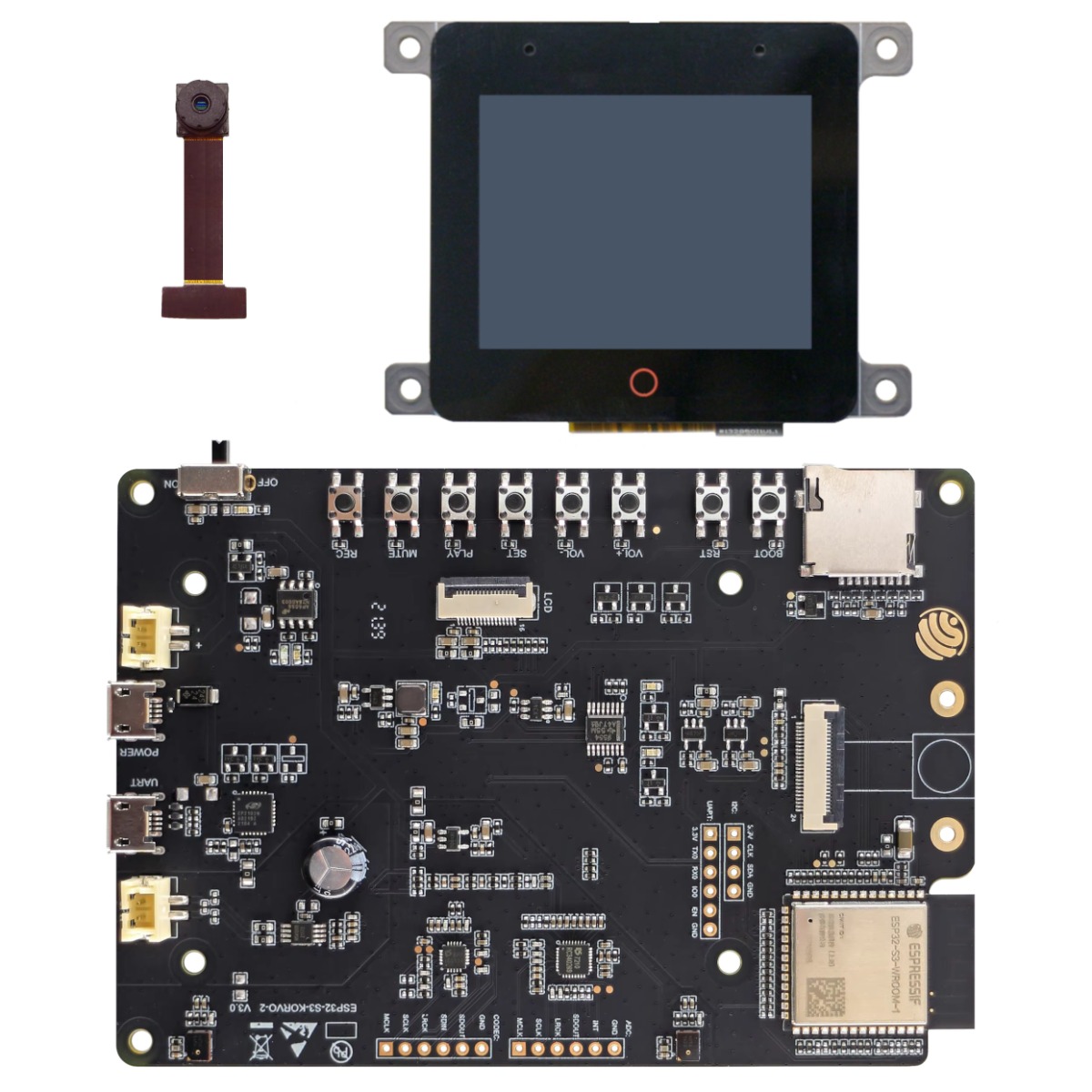 ESP32-S3-WROOM-1 KORVO-2 Multimedia Development Board With 2.4inch LCD Touch Display Camera Voice Video Wifi ₹12,999.00
  LILYGO T-A7670G R2 SIMCOM Module With GPS ESP32-WROVER-E TTGO Development Board 4G LTE 2G GSM Antenna ₹6,999.00
 Say goodbye to multiplexing headaches. Driving a standard 4-digit 7-segment display usually requires a frustrating web of current-limiting resistors and up to 12 individual pins on your Arduino. The TM1637 4-Digit Display Module solves this by putting a dedicated driver IC directly on the back of the board. This chip handles all the heavy lifting, high-speed multiplexing, and current regulation. All you have to do is provide 5V power and connect two communication wires (CLK and DIO) to any two digital pins on your microcontroller.
Vibrant Green Optics for Timekeeping and Counters This specific module features large, highly legible 0.56-inch tall digits illuminated in a striking green color, offering excellent contrast and a unique aesthetic compared to standard red displays. Between the second and third digits, it features a center colon (double dots). This layout makes it the absolute best choice for building custom digital clocks, stopwatches, or countdown timers.
Easy Software Integration As printed directly on the back of the PCB, this module is built to be used with standard open-source libraries like the "TM1637.h" library for Arduino. With just a few lines of code, you can push numbers, adjust the LED brightness across 8 different levels (via PWM built into the chip), and blink the center colon on and off to simulate ticking seconds.
Display Type: 4-Digit 7-Segment LED (with center colon / double dots)
Digit Size: 0.56 Inches
Emitting Color: Green
Driver IC: TM1637
Operating Voltage: 3.3V to 5V DC
Interface: 2-Wire Serial (CLK, DIO)
Mounting: 4 x M2/M3 compatible mounting holes
DIY Digital Clocks: Pair this green module with an RTC (Real Time Clock) like the DS3231 to build a highly accurate bedside clock or desk timer with a retro sci-fi vibe.
Scoreboards & Counters: Perfect for arcade cabinet score tracking or tallying up sensor triggers on a production line.
Sensor Readouts: Displaying live temperature, humidity, or distance data from your sensors without taking up a bulky LCD screen.
Unlock New Capabilities (Project Evolution)
Smart Weather Station: Connect this display to an ESP8266 or ESP32 board. Pull the live weather forecast from the internet via Wi-Fi and display the outdoor temperature or humidity index in bold green numbers!
Package Includes:
What does the TM1637 chip actually do? The TM1637 is a dedicated LED drive control circuit. It rapidly turns the individual LED segments on and off (multiplexing) so your microcontroller doesn't have to waste processing power or pins doing it.
How many pins do I need to connect to my Arduino? You only need 4 pins total: 5V (Power), GND (Ground), CLK (Clock), and DIO (Data I/O).
Is this an I2C display? No. While it uses a 2-wire serial interface (CLK and DIO) that looks similar to I2C, it uses a custom protocol specific to the TM1637 chip. You cannot put it on the same bus as standard I2C sensors.
What operating voltage does it require? It runs perfectly on standard 5V logic from an Arduino, but is also widely compatible with 3.3V systems like the Raspberry Pi or ESP32.
How big are the numbers? The digits are 0.56 inches tall, making them significantly larger and easier to read from a distance than the smaller 0.36-inch variants.
Can I display letters on this? You can display limited characters that fit into a 7-segment layout (like A, b, C, d, E, F), but it cannot display complex letters like M, W, or X.
What color are the LEDs? This specific module emits a bright, vibrant green light.
What are the double dots in the middle for? The center colon (double dots) is designed specifically for formatting time (e.g., 20:62).
Does it have decimal points after every number? No. This specific model features the center clock colon instead of individual decimal points after each digit.
How do I adjust the brightness? The TM1637 chip supports 8 levels of brightness. You can easily adjust this via software commands using the TM1637 library in your code.
Do I have to solder the pins myself? Yes, the 4-pin header is usually provided loose in the package and must be soldered into the four pads on the side of the board.
What library should I use in the Arduino IDE? As hinted by the silkscreen on the back, the "TM1637.h" library or the "Grove 4-Digit Display" library are the most popular and easiest to use.
What do the checkboxes on the back mean? The manufacturer uses the same PCB for different color variations. They place a mark next to the color of the LEDs installed on the front (in this case, it should denote Green).
How do I mount it to my project enclosure? The black PCB features four mounting holes in the corners, perfectly sized for standard M2 or small M3 screws.
Can I connect multiple of these to one Arduino? Yes! Because they are not strict I2C devices, you cannot share the exact same pins, but you can declare multiple displays in your code by assigning different sets of digital pins to each display's CLK and DIO.
Why are some of the segments flickering? This usually happens if you are using delay functions heavily in your code, which interrupts the communication, or if your power supply is unstable. Ensure you have a solid 5V or 3.3V connection.
Will it consume a lot of power? No, LED displays are generally quite efficient when multiplexed by the TM1637. It typically draws around 30mA to 80mA depending on how many segments are lit and the brightness setting.
Can I use this with a Raspberry Pi? Absolutely. There are excellent Python libraries available for the TM1637 that work perfectly with the Raspberry Pi's GPIO pins.
Can I turn off the center colon completely? Yes, the center colon is treated as a separate controllable segment. You can toggle it on, off, or blink it once per second in your code to simulate ticking time.
What is the white coating on the front of the unlit numbers? The white epoxy diffuses the light from the tiny green LED chips underneath, making the entire segment appear as one solid, even bar of light when turned on.
| Display Technology | 7-Segment & LED Dot Matrix |
|---|---|
| Touch Capability | Non-Touch |
| Communication Interface | I2C / SPI |
| Smart / Integrated Ecosystem | Standard Display (Requires external MCU) |
| Screen Size (Diagonal) | Micro (< 1.5 Inch) |
| Manufacturer | Generic |
Probots sells every Electronics Part for your next Project. You can order 10,000+ Electronic Parts Online - Arduino, Raspberry Pi, NodeMCU Development Boards, Sensors, Motors, Motor Drivers, SMPS, Plastic Enclosures etc in India directly on probots.co.in
We delivery electronics components and parts throughout India using standard couriers like Bluedart, Delhivery & India Post.
For order related queries contact -
This item is covered by a warranty of 7 days from the date of delivery, against confirmed manufacturing defects only, as verified by Probots' own testing and investigation. In case of a confirmed defect, we will replace the item — a refund is issued only if a replacement can't be supplied (e.g. discontinued or out of stock). Transit damage or a wrong item received must be reported within 3 days of delivery.
If the product shows signs of misuse, tampering, physical damage, static discharge, liquid or fire damage, use of unapproved chemicals, or has been soldered or physically altered in any way.
China
Probots sells every Electronics Part for your next Project. You can order 10,000+ Electronic Parts Online - Arduino, Raspberry Pi, NodeMCU Development Boards, Sensors, Motors, Motor Drivers, SMPS, Plastic Enclosures etc in India directly on probots.co.in
We offer specialized services for Bulk, Wholesale & B2B Customers like discounted prices, additional shipping options, customised products, etc . Customer with large quantity & regular orders qualify for the specialised discounted rates.
We also offer dedicated sales team to assist you with the order process by providing sales quotations, PI, technical support for choosing products, etc.
Note: Business Orders are processed manually and usually take 1-3 days to process compared to placing the order directly on our website. Please plan your purchases accordingly.
Need Help?
For bulk enquiries contact us by -


Probots Electronics is highly regarded for its highly skilled team and knowledgeable staff who provide expert guidance to ensure customers select the right components for their technical projects. The business maintains a strong reputation for prompt service and reliable support, with many clients praising their quick response times and genuine commitment to customer satisfaction.


A very great place for electronics Such a well maintained shop... Felt good shopping here


Nice

For new developments kit available and they will support till working, and I suggest this place strongly


This place has all the electronic parts students will ever need, staff is friendly and the place is organised.


It was a really nice experience! I was happy to find such a wide range of robotics kits for kids, suitable for different age groups and learning levels.

Excellent experience




Good stuff

Buyed them. But no bargain. Helpful staff.


Available all children school project spears parts like electronics


It was good experience




Staff is very patient and helpful

One of the best place for electronics you will get everything you want! With the best and orginal quality

Very helpful staff and the best place to buy components for projects

Wonderful store with expert service and technically strong people.

Prompt delivery, excellent technical support


Large inventory of electronic components and parts. Well trained service personnel and technicians who can quickly identify and rectify product defect if any. They are a reliable and trustworthy online stores.

A very great place for electronics Such a well maintained shop... Felt good shopping here
Nice
For new developments kit available and they will support till working, and I suggest this place strongly
This place has all the electronic parts students will ever need, staff is friendly and the place is organised.
It was a really nice experience! I was happy to find such a wide range of robotics kits for kids, suitable for different age groups and learning levels.
Excellent experience
Good stuff
Buyed them. But no bargain. Helpful staff.
Available all children school project spears parts like electronics
It was good experience
Staff is very patient and helpful
One of the best place for electronics you will get everything you want! With the best and orginal quality
Very helpful staff and the best place to buy components for projects
Wonderful store with expert service and technically strong people.
Prompt delivery, excellent technical support
Large inventory of electronic components and parts. Well trained service personnel and technicians who can quickly identify and rectify product defect if any. They are a reliable and trustworthy online stores.
● 20 min readVol. 56 | The Heavyweight DC Drivetrain Duel Reliability isn’t optional when you’re designing actuators that need to move actual steel or
Read Article → ● 13 min read
Workbench Vol. 49 🚀 The Project Trifecta: 3 Builds to Start Today We don’t just stock parts; we curate ecosystems. This week’s arrivals are desi
Read Article → ● 18 min read
Vol. 59 | The Battle of the Bite-Sized Boards Picture a project that needs full Linux, networking, and GPIO—but has almost no room for a conventional
Read Article →