



















 ● 20 min read
Showdown: RS550 12V DC 8000 vs RS-555 12V DC 6000 RPM DC Motor
Vol. 56 | The Heavyweight DC Drivetrain Duel Reliability isn’t optional when you’re designing actuators that need to move actual steel or
Read Article →
| Bulk Pricing | ||
|---|---|---|
| QTY | Unit Price(Inlc. GST) | |
| 5+ | ₹812.42 ₹ 688.49 + 123.93 GST | |
| 10+ | ₹804.13 ₹ 681.47 + 122.66 GST | |
| 15+ | ₹795.84 ₹ 674.44 + 121.4 GST | |
| 20+ | ₹779.26 ₹ 660.39 + 118.87 GST | |
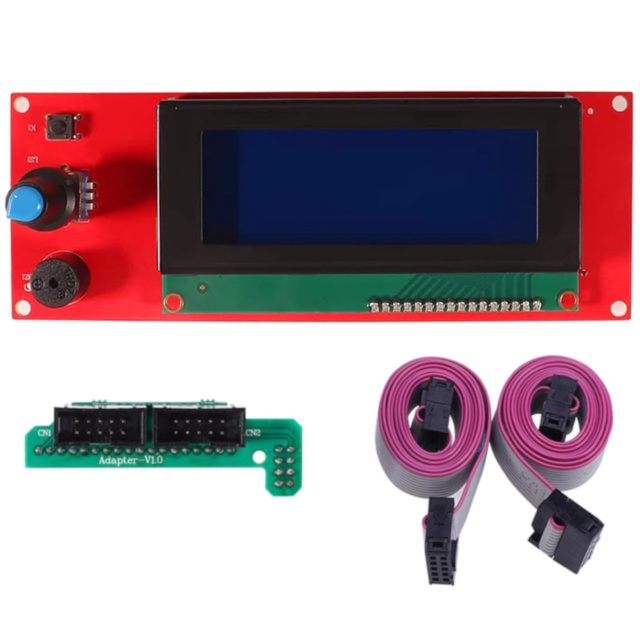
Upgrade your 3D printer for standalone operation! The 128x64 Full Graphic Smart Controller features an integrated SD card reader, rotary encoder, and a crisp blue LCD. Kit includes the display, Smart Adapter V1.0, and two ribbon cables for plug-and-play RAMPS 1.4 integration.
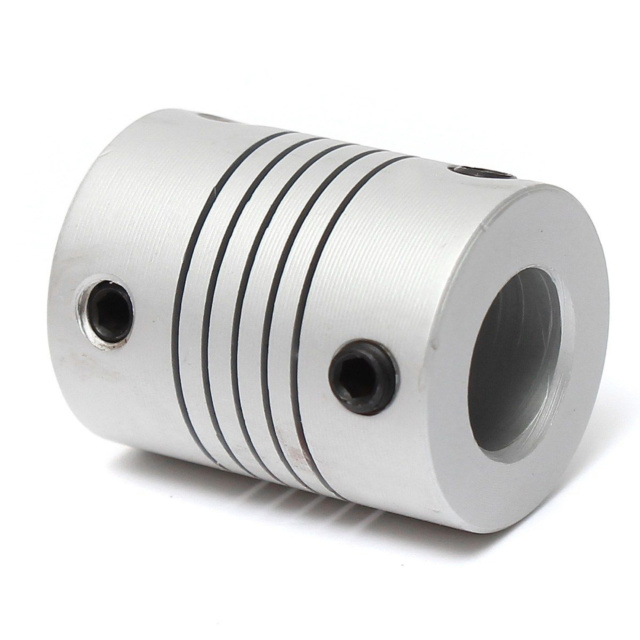
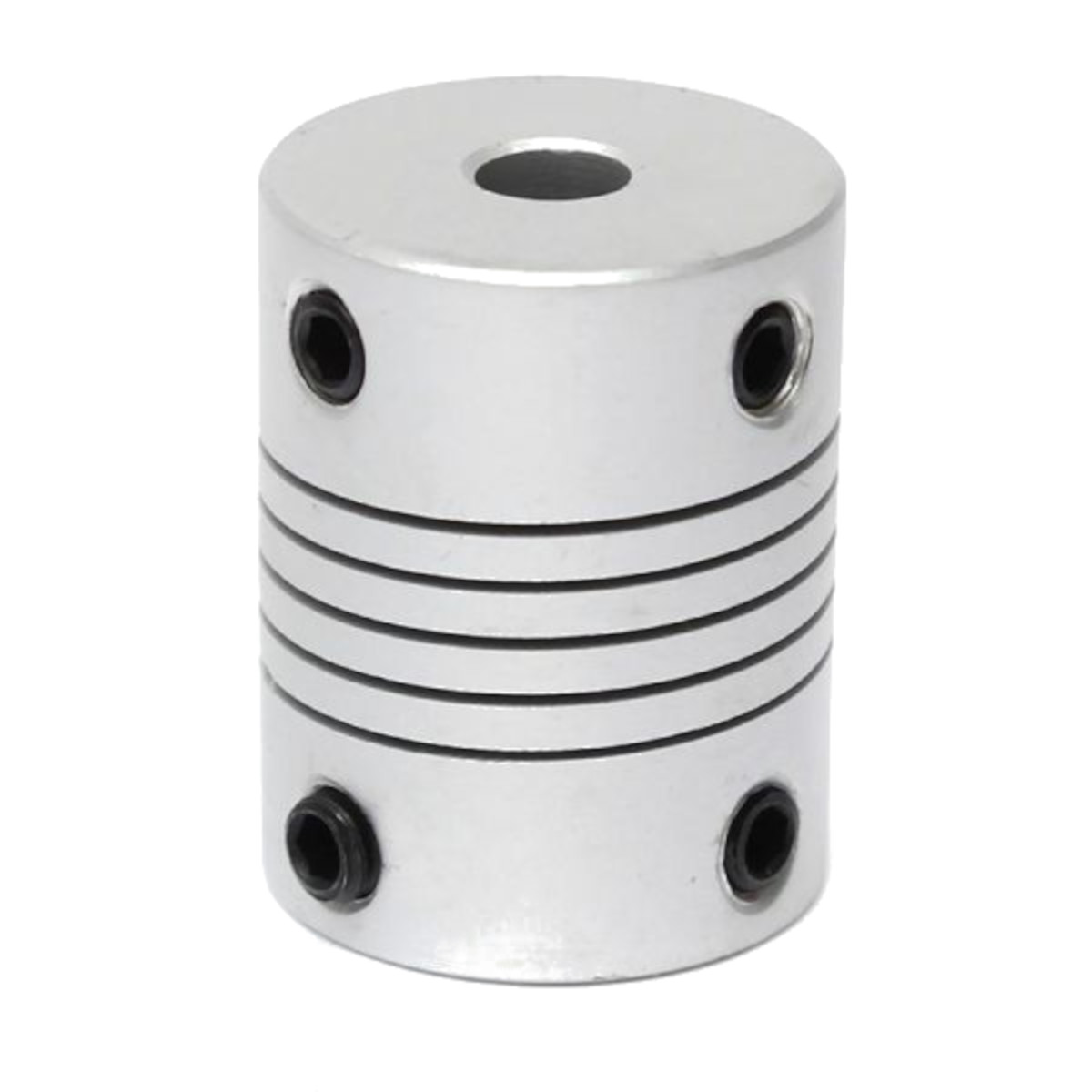 6mm to 6mm Flexible Coupler for 3D Printer CNC Shaft Metal ₹139.00
 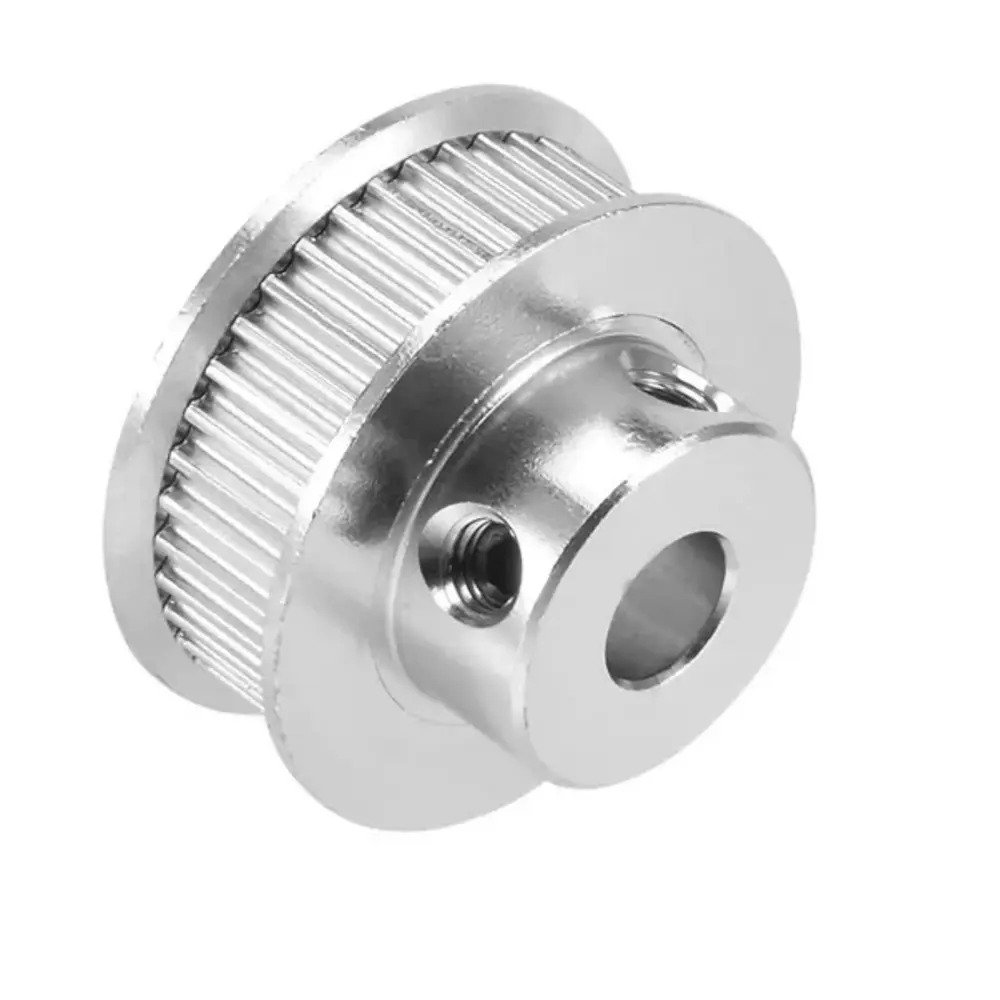 40 Teeth GT2 Timing Pulley for 6mm Belt 3D Printers CNC RepRap ₹189.00
 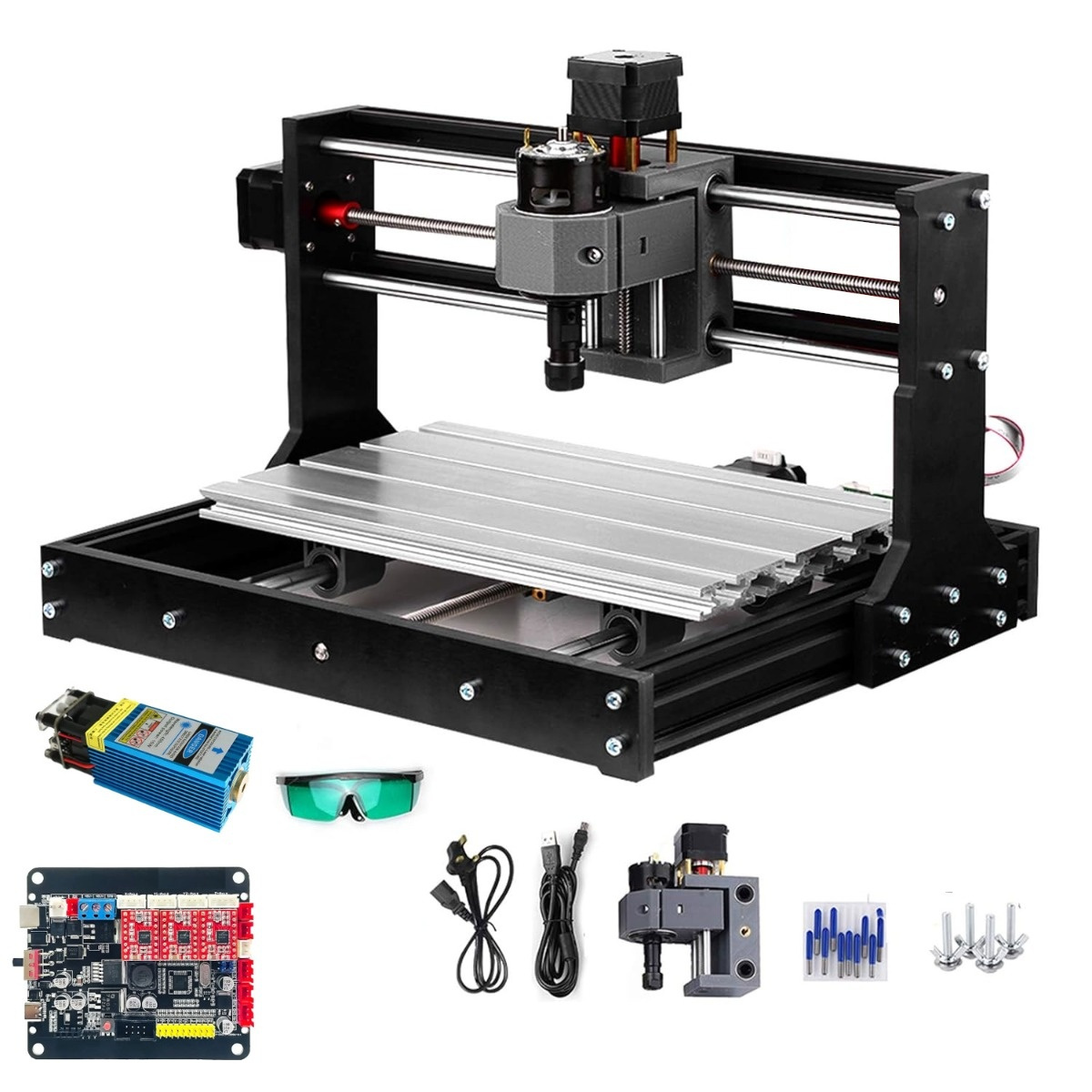 3018 Pro Desktop CNC Router & 5.5W Laser Engraver - 2-in-1 DIY Kit ₹38,999.00
 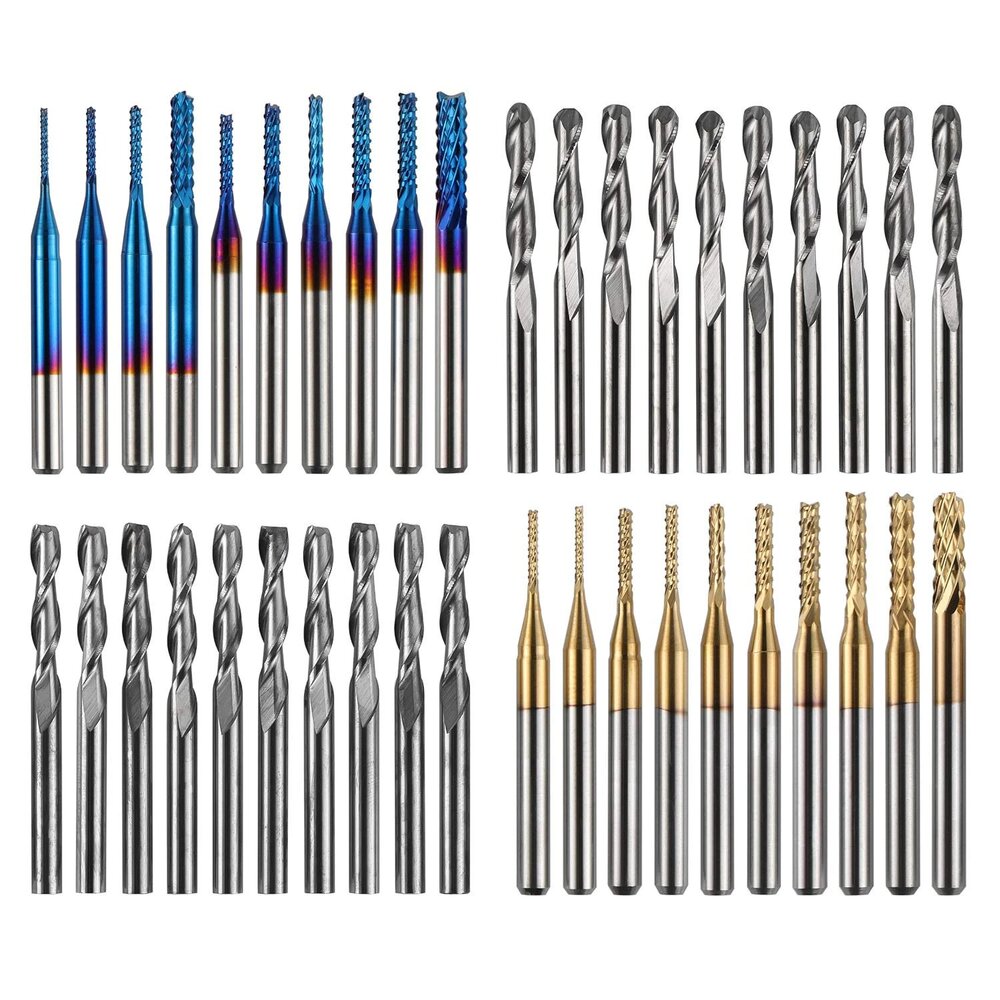 40pcs MechX End Mill Engraving Bits Kit Set 3.175mm Shank CNC Router Bit ₹4,499.00
  10pcs MechX 2-Flute Ball Nose Spiral End Mill - 3.175mm Shank CNC Router Bits ₹1,399.00
 Untethered, Standalone 3D Printing The biggest drawback of building a DIY 3D printer is needing to leave your laptop plugged into it for a 14-hour print. This Smart Controller changes that entirely. Hidden on the back of the LCD PCB is a full-size SD card reader. By exporting your G-code from your slicer onto an SD card and plugging it into this screen, your printer can run complex jobs entirely on its own, ensuring your print won't fail if your computer decides to go to sleep or run an update.
Full Graphic Interface Unlike smaller text-only displays (like the 2004 LCD), this screen features a 128x64 pixel dot-matrix grid. This allows the open-source Marlin firmware to display a beautifully laid-out graphic dashboard. At a single glance, you can monitor your hotend temperature, heated bed temperature, X/Y/Z coordinates, print time elapsed, cooling fan speed, and a visual progress bar.
Plug-and-Play RAMPS Architecture Wiring a display to a motherboard usually requires deciphering complex pinout diagrams. This kit simplifies the process by including the Smart Adapter V1.0. This small green shield plugs directly over the AUX-3 and AUX-4 pins on your RAMPS 1.4 (or 1.5/1.6) board. From there, you simply connect the two included ribbon cables from EXP1 on the adapter to EXP1 on the display, and EXP2 to EXP2. No soldering, no crimping, and no guesswork required!
Display Type: Dot Matrix LCD (Liquid Crystal Display)
Resolution: 128 x 64 pixels
Backlight Color: Blue LED with White Pixels
Control Interface: Rotary Encoder (Push-to-select)
Memory Interface: Standard SD Card Reader (on back of LCD)
Audio Feedback: Active Buzzer (Beeper)
Compatibility: RAMPS 1.4, RAMPS 1.5, RAMPS 1.6, MKS Gen L, SKR V1.3/V1.4 (with correct EXP pinouts)
Firmware Support: Marlin, Repetier, Klipper
Downloads:
DIY RepRap 3D Printers: Serving as the primary human-machine interface (HMI) for custom Prusa i3, CoreXY, or HyperCube builds.
Laser Engravers: Providing offline SD-card cutting capabilities for custom diode laser rigs utilizing GRBL or Marlin.
Filament Extruders: Monitoring heater temperatures and motor speeds on homemade plastic filament extrusion and recycling machines.
Unlock New Capabilities (Project Evolution)
The Custom Firmware Makeover: The 128x64 graphic screen doesn't just show data; it can show art. Evolve your machine! Once you are comfortable flashing Marlin firmware via the Arduino IDE, you can use the U8glib library tools to convert any black-and-white 128x64 pixel bitmap image into code. You can literally program the screen to display your own custom logo, your name, or a funny graphic every time you boot up the printer!
1 x 128x64 Full Graphic Smart LCD Controller Board
1 x Smart Adapter V1.0 (for RAMPS connection)
2 x Ribbon Cables (FC-10P)

What is the exact name of this display in 3D printing communities? It is almost universally known as the "RepRapDiscount Full Graphic Smart Controller."
Do I need my computer connected to print if I have this? No! That is the primary benefit. You put your G-code on an SD card, plug it into the back of the LCD, and print completely standalone.
Does it have a touchscreen? No, it does not. You navigate the menus by spinning the blue rotary knob and pressing the knob in to select an item.
What is the green "Adapter-V1.0" board for? The smart adapter is designed to plug perfectly onto the AUX pins of a standard RAMPS 1.4 shield. It provides the exact layout needed for the two ribbon cables, preventing you from having to wire 20 individual jumper wires.
How do I know which ribbon cable goes where? The ports on the back of the LCD and the ports on the smart adapter are labeled "EXP1" and "EXP2". Simply connect EXP1 to EXP1, and EXP2 to EXP2.
I turned it on, but the screen is glowing blue and completely blank. Is it broken? Likely not! Look at the front of the LCD board for a small metal component with a screw slot labeled "VR1". That is the contrast potentiometer. Use a small screwdriver to turn it until the white text appears on the screen.
What does the "K1" button do? The square tactile button labeled K1 is a hardware Reset/Emergency Stop button. Pressing it instantly halts the Arduino and resets the printer.
Why is my printer screaming a continuous loud beep when I turn it on? You have plugged the ribbon cables in backward, or swapped EXP1 and EXP2. Turn the machine off immediately and flip the connectors around.
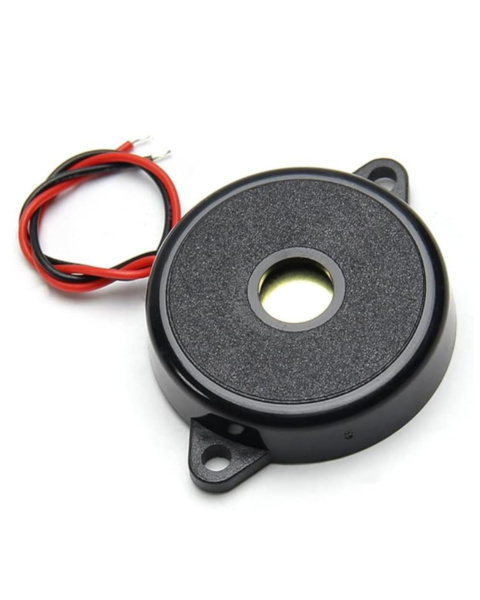
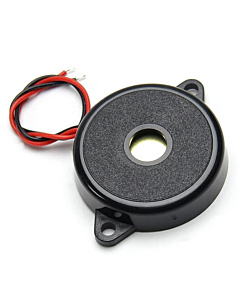
What is the round black component next to the knob? That is an active buzzer. It beeps when you click the menu knob, and it can be programmed by the slicer to beep when a print finishes or if there is a thermal runaway error.
How do I enable this screen in Marlin Firmware? In your Configuration.h file, find the line #define REPRAP_DISCOUNT_FULL_GRAPHIC_SMART_CONTROLLER and uncomment it (remove the two slashes // at the beginning of the line).
Do I need any special libraries in Arduino IDE to compile the firmware? Yes. If you are compiling Marlin for this 128x64 display, you must install the U8glib library in the Arduino IDE before verifying the code.
What size SD card does it take? The slot on the back of the LCD takes a standard, full-size SD card. If you have a MicroSD card, you will need a full-size SD adapter sleeve.
How should I format my SD card? 3D printer motherboards can only read cards formatted to FAT32. They will not read exFAT or NTFS formats.
When I turn the knob clockwise, the menu goes UP instead of DOWN. How do I fix this? This is a firmware preference. In Marlin's Configuration.h, locate the line #define REVERSE_ENCODER_DIRECTION and uncomment it to flip the scrolling behavior.
Will this work with 32-bit boards like an SKR V1.3 or V1.4? Yes, many modern 32-bit boards have EXP1 and EXP2 headers specifically designed to accommodate this exact screen without needing the green smart adapter.
Can I change the backlight color to red or green? No, the LEDs behind the screen are manufactured to only emit blue light.
How long are the included ribbon cables? The included pink/grey flat ribbon cables are typically 30cm (approx. 12 inches) long.
Can I use longer cables if I build a bigger printer enclosure? You can, but it is highly discouraged. SPI data signals degrade quickly over long distances. Cables longer than 50cm often result in screen corruption, glitching text, or failed SD card reads.
Does the kit include a case? No, this is a raw electronics kit. You will need to 3D print your own plastic enclosure for it! There are thousands of free case designs for this specific "RepRapDiscount" screen on Thingiverse and Printables.
Can I plug a USB cable into this screen? No, the screen does not have a USB port. The USB connection goes directly into your Arduino Mega 2560 board.
Probots sells every Electronics Part for your next Project. You can order 10,000+ Electronic Parts Online - Arduino, Raspberry Pi, NodeMCU Development Boards, Sensors, Motors, Motor Drivers, SMPS, Plastic Enclosures etc in India directly on probots.co.in
We delivery electronics components and parts throughout India using standard couriers like Bluedart, Delhivery & India Post.
For order related queries contact -
This item is covered by a warranty of 7 days from the date of delivery, against confirmed manufacturing defects only, as verified by Probots' own testing and investigation. In case of a confirmed defect, we will replace the item — a refund is issued only if a replacement can't be supplied (e.g. discontinued or out of stock). Transit damage or a wrong item received must be reported within 3 days of delivery.
If the product shows signs of misuse, tampering, physical damage, static discharge, liquid or fire damage, use of unapproved chemicals, or has been soldered or physically altered in any way.
China
Probots sells every Electronics Part for your next Project. You can order 10,000+ Electronic Parts Online - Arduino, Raspberry Pi, NodeMCU Development Boards, Sensors, Motors, Motor Drivers, SMPS, Plastic Enclosures etc in India directly on probots.co.in
We offer specialized services for Bulk, Wholesale & B2B Customers like discounted prices, additional shipping options, customised products, etc . Customer with large quantity & regular orders qualify for the specialised discounted rates.
We also offer dedicated sales team to assist you with the order process by providing sales quotations, PI, technical support for choosing products, etc.
Note: Business Orders are processed manually and usually take 1-3 days to process compared to placing the order directly on our website. Please plan your purchases accordingly.
Need Help?
For bulk enquiries contact us by -

Probots Electronics is highly regarded for its highly skilled team and knowledgeable staff who provide expert guidance to ensure customers select the right components for their technical projects. The business maintains a strong reputation for prompt service and reliable support, with many clients praising their quick response times and genuine commitment to customer satisfaction.


A very great place for electronics Such a well maintained shop... Felt good shopping here


Nice

For new developments kit available and they will support till working, and I suggest this place strongly


This place has all the electronic parts students will ever need, staff is friendly and the place is organised.


It was a really nice experience! I was happy to find such a wide range of robotics kits for kids, suitable for different age groups and learning levels.

Excellent experience




Good stuff

Buyed them. But no bargain. Helpful staff.


Available all children school project spears parts like electronics


It was good experience




Staff is very patient and helpful

One of the best place for electronics you will get everything you want! With the best and orginal quality

Very helpful staff and the best place to buy components for projects

Wonderful store with expert service and technically strong people.

Prompt delivery, excellent technical support


Large inventory of electronic components and parts. Well trained service personnel and technicians who can quickly identify and rectify product defect if any. They are a reliable and trustworthy online stores.

A very great place for electronics Such a well maintained shop... Felt good shopping here
Nice
For new developments kit available and they will support till working, and I suggest this place strongly
This place has all the electronic parts students will ever need, staff is friendly and the place is organised.
It was a really nice experience! I was happy to find such a wide range of robotics kits for kids, suitable for different age groups and learning levels.
Excellent experience
Good stuff
Buyed them. But no bargain. Helpful staff.
Available all children school project spears parts like electronics
It was good experience
Staff is very patient and helpful
One of the best place for electronics you will get everything you want! With the best and orginal quality
Very helpful staff and the best place to buy components for projects
Wonderful store with expert service and technically strong people.
Prompt delivery, excellent technical support
Large inventory of electronic components and parts. Well trained service personnel and technicians who can quickly identify and rectify product defect if any. They are a reliable and trustworthy online stores.
● 20 min readVol. 56 | The Heavyweight DC Drivetrain Duel Reliability isn’t optional when you’re designing actuators that need to move actual steel or
Read Article → ● 13 min read
Workbench Vol. 49 🚀 The Project Trifecta: 3 Builds to Start Today We don’t just stock parts; we curate ecosystems. This week’s arrivals are desi
Read Article → ● 18 min read
Vol. 59 | The Battle of the Bite-Sized Boards Picture a project that needs full Linux, networking, and GPIO—but has almost no room for a conventional
Read Article →