












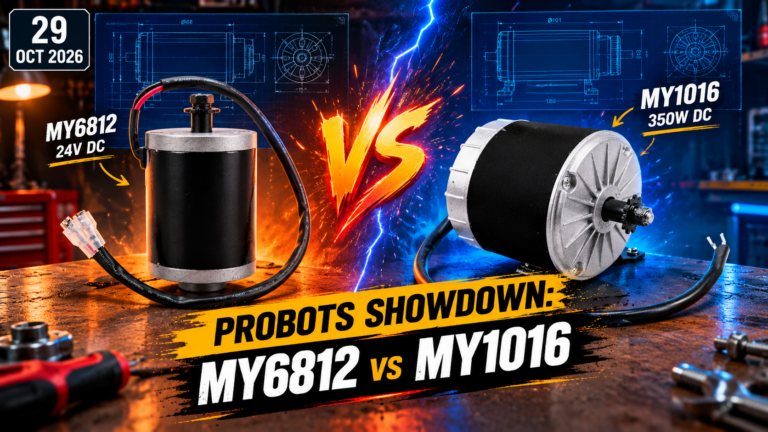
 ● 19 min read
MY6812 vs MY1016: 24V 150W vs 350W DC Motor Comparison
Vol. 61 | MY6812 vs MY1016: 24V 150W vs 350W DC Motor Comparison The ultimate budget dilemma for any Indian maker trying to put wheels on a chassis: D
Read Article →
| Bulk Pricing | ||
|---|---|---|
| QTY | Unit Price(Inlc. GST) | |
| 2+ | ₹3,959.01 ₹ 3355.09 + 603.92 GST | |
| 4+ | ₹3,919.02 ₹ 3321.2 + 597.82 GST | |
| 6+ | ₹3,879.03 ₹ 3287.31 + 591.72 GST | |
| 10+ | ₹3,839.04 ₹ 3253.42 + 585.62 GST | |
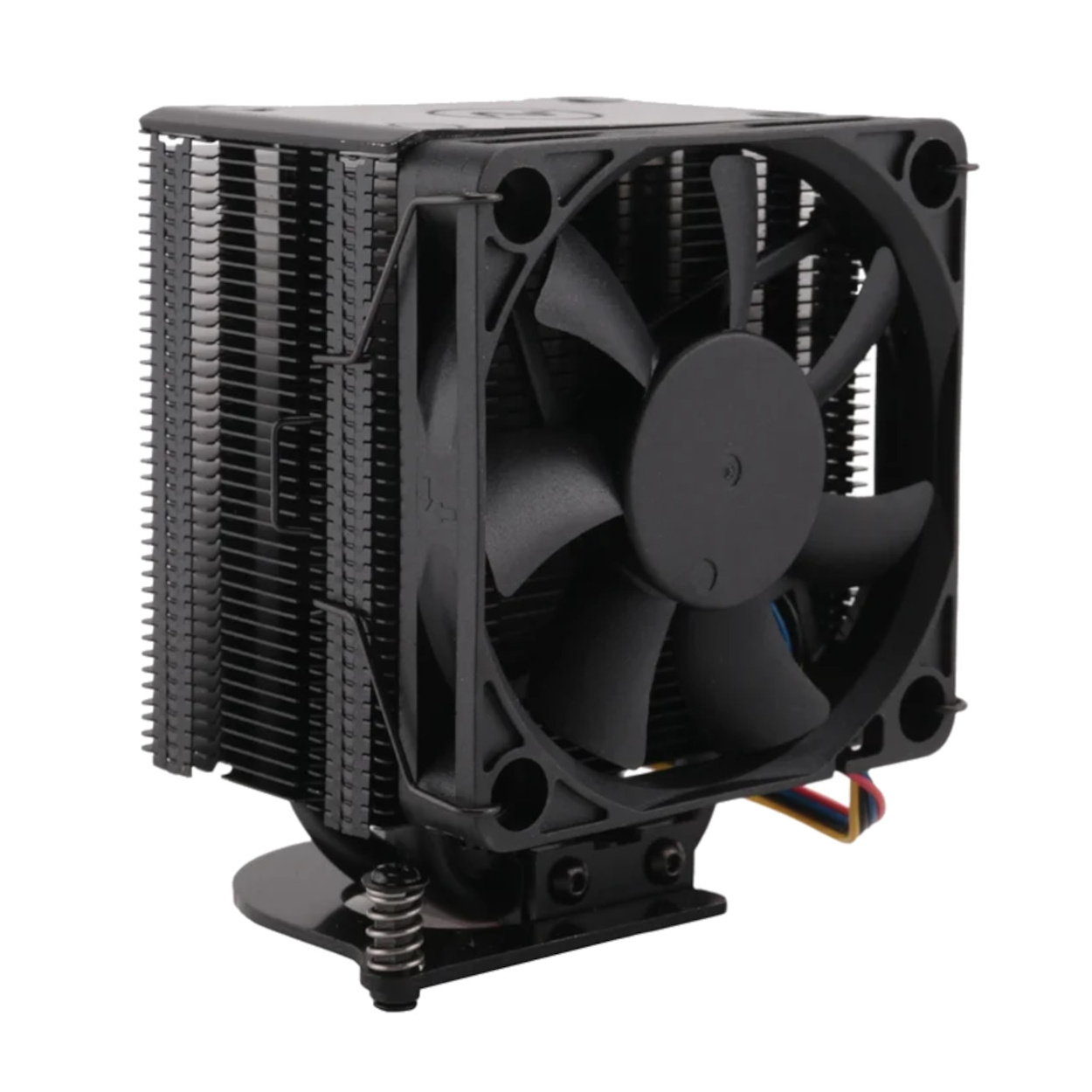
Unleash the full desktop power of your Raspberry Pi 5 without overheating. This massive tower cooler features dual direct-touch copper heat pipes, a dense aluminum fin stack, and a smart PWM-controlled fan that plugs directly into the Pi 5 motherboard for silent operation.
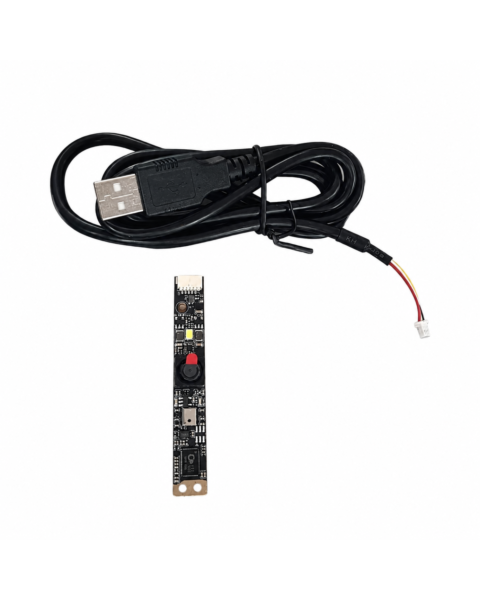
 Raspberry Pi 3 Camera Module Board 5MP - Rev 1.3 1080p ₹549.00
 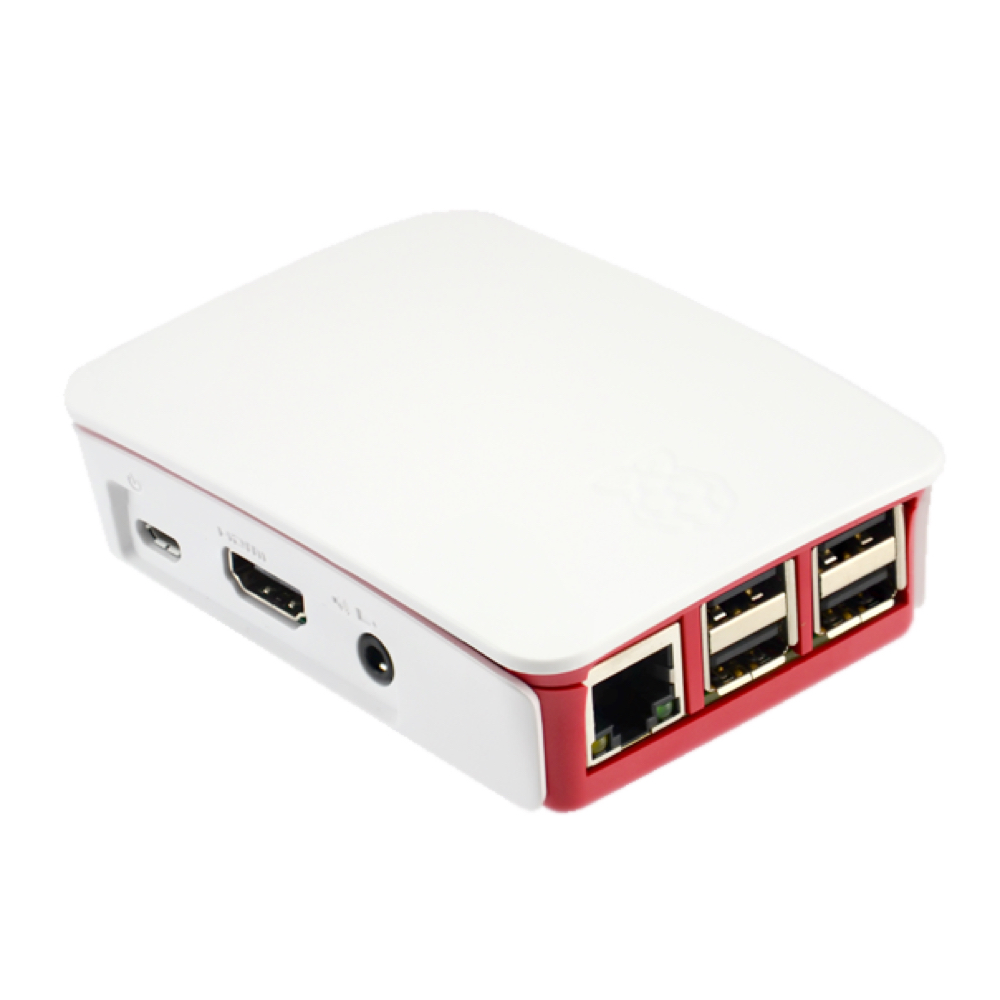 Case for Raspberry Pi B+ / Pi 2 / Pi 3 White and Red ₹969.00
  Case for Raspberry Pi 3 Model B ABS with Screws Black ₹212.00
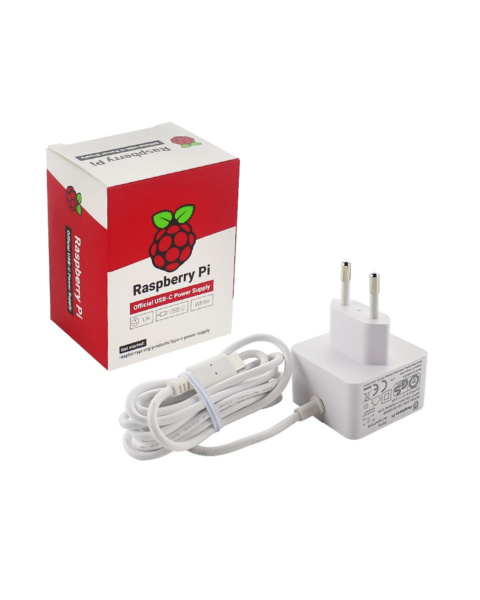
 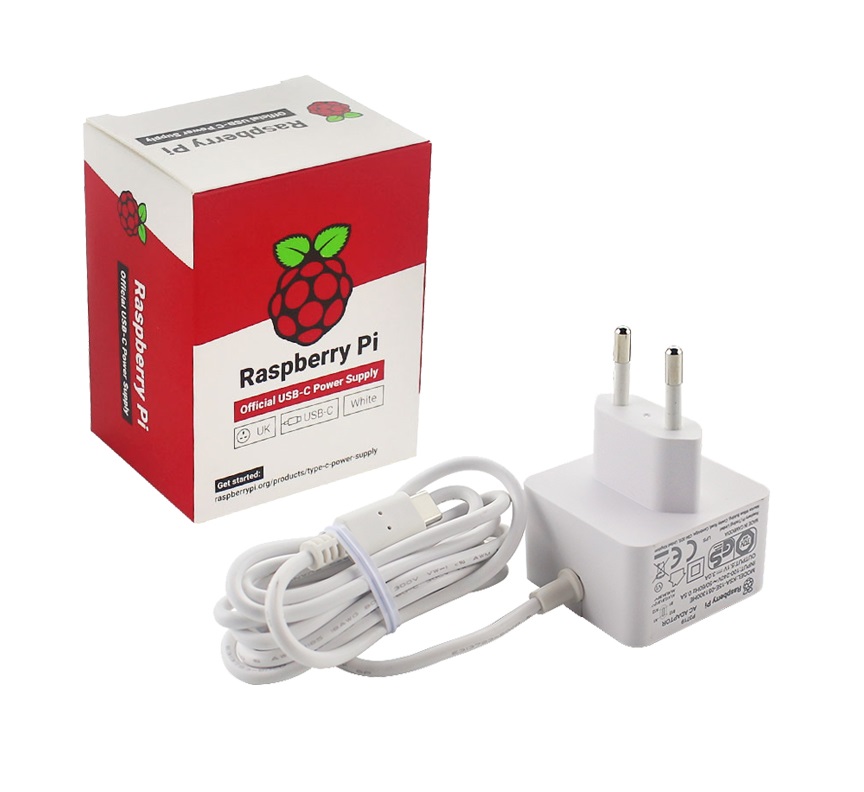 Raspberry Pi 4 Power Supply Adapter 5.1V/3A with USB-C Connector ₹999.00
 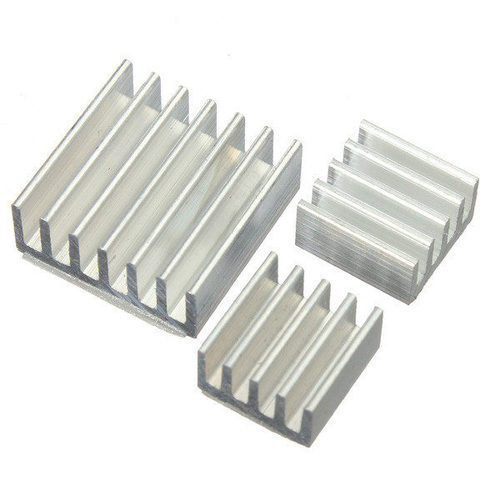 Heat Sink Set Aluminum for Raspberry ₹59.00
 Desktop-Class Copper Heat Pipes The secret to this cooler's incredible performance lies in its base. Unlike standard aluminum blocks, this cooler utilizes two heavy-duty, U-shaped copper heat pipes that make direct contact with the Raspberry Pi 5's processor. Copper is vastly superior at absorbing rapid temperature spikes. As the CPU heats up, the thermal energy is instantly wicked up the pipes and distributed evenly across dozens of tightly packed black aluminum cooling fins.
Intelligent PWM Fan Control Loud, constantly whining mini-fans are a thing of the past. This cooler is equipped with a high-quality 7-blade fan terminated with a specific 4-pin JST connector. This connector plugs directly into the dedicated fan header on the Raspberry Pi 5 motherboard. Through Pulse Width Modulation (PWM), the Pi's operating system continuously monitors the CPU temperature and adjusts the fan speed automatically. During light web browsing, the fan spins at a whisper-quiet low RPM (or stops entirely). Only when you launch a heavy game or render a video does the fan ramp up to full blast.
Secure & Foolproof Mounting Mounting heavy tower coolers to a delicate circuit board can be nerve-wracking. This kit utilizes an integrated metal mounting bracket with spring-loaded captive screws. This ensures that you apply the exact, perfect amount of mounting pressure to the CPU die without bending or cracking the Pi 5 motherboard. The fan is securely attached to the fin stack using two removable wire tension clips, allowing for easy cleaning.
Compatibility: Raspberry Pi 5 Only
Cooling Method: Active Air Cooling + Passive Heat Pipes
Heat Pipe Material: Direct-Touch Copper (Dual U-Shape)
Fin Material: Black Coated Aluminum
Fan Type: 7-Blade DC Brushless Fan
Connector: 4-Pin JST (PWM Speed Controlled)
Mounting: 4x Spring-Loaded Captive Screws
Extreme Overclocking: Pushing the Raspberry Pi 5's clock speeds from the stock 2.4GHz up to 2.8GHz or 3.0GHz requires massive thermal headroom to remain stable.
Intensive Retro Gaming: Running heavy 3D emulation platforms (like Dreamcast, N64, or GameCube via RetroPie) for hours without dropping frame rates due to thermal throttling.
Home Media Server: Transcoding high-bitrate 4K video files on a Plex or Jellyfin server without the system locking up from overheating.
Unlock New Capabilities (Project Evolution)
The Silent Desktop PC: The Raspberry Pi 5 is powerful enough to completely replace a daily web-browsing desktop. Evolve your setup! By installing this tower cooler and tweaking the fan curve settings in the Pi OS config file, you can create a zero-decibel threshold. Your Pi 5 will run completely passively using only the massive heat pipes while typing documents, giving you a totally silent workspace, while keeping the fan in reserve for heavy multitasking!
1 x Tower Cooler Assembly (Black Aluminum Fin Stack + Copper Heat Pipes)
1 x PWM Cooling Fan (Pre-attached via wire clips)
Will this fit a Raspberry Pi 4 or Pi 3? No. The mounting hole spacing and processor location on the Raspberry Pi 5 are completely different. This tower cooler is strictly for the Pi 5.
Where do I plug in the fan? The 4-pin wire plugs directly into the dedicated "FAN" header located on the top edge of the Raspberry Pi 5 motherboard, right next to the USB ports.
Why is there a warning sticker on the bottom? You must peel off the clear plastic protective film from the copper base before mounting it. If you leave the plastic on, it will completely block heat transfer and your Pi will instantly overheat.
Does it come with thermal paste? The cooler typically comes with a pre-applied thermal pad under the protective film. However, for extreme overclocking, wiping the pad off and using a high-quality liquid thermal paste is recommended.
Will this fit inside standard Raspberry Pi cases? No. Because this is a tall "Tower" cooler, it will not fit inside standard slim ABS enclosures or the official Raspberry Pi 5 case. You must use an "open-air" acrylic case or a specially designed oversized tower case.
What does PWM mean? PWM stands for Pulse Width Modulation. It means the fan has a specialized control wire that allows the motherboard to intelligently ramp the fan speed up and down based on real-time temperature, rather than just running at 100% speed forever.
Is the fan loud? At 100% speed, you will hear a prominent whooshing sound of air moving. However, because of the PWM control, it stays at a low, virtually silent RPM during normal desktop usage.
Can I replace the fan if it breaks? Yes. The fan is held onto the aluminum fin stack by two simple metal wire clips. You can easily pop the clips off and replace the fan with any standard fan of identical dimensions.
Are the copper pipes solid? No, heat pipes are hollow copper tubes filled with a microscopic amount of phase-changing liquid. This liquid boils at the CPU base, travels up the pipe to cool down in the fins, and condenses back to the bottom in an endless loop.
Do I need tools to install it? You will need a standard Phillips-head screwdriver to tighten the four spring-loaded mounting screws into the Pi 5's motherboard holes.
How tight should I make the screws? Tighten them in a cross-pattern (diagonally) until the screws naturally stop turning. The built-in springs will automatically apply the correct amount of mounting pressure. Do not force them past their stopping point.
Can I mount HATs on top of my Pi with this installed? Generally, no. The immense height of the tower cooler blocks the space where a HAT (Hardware Attached on Top) would normally sit above the GPIO pins. You would need a GPIO ribbon cable extension to mount a HAT off to the side.
Will this block my camera or display ribbon cables? It will make routing them slightly tighter, but the cooler sits strictly over the CPU area, leaving the MIPI/CSI ribbon ports accessible.
What are the four wires on the connector for? The wires (Yellow, Blue, Red, Black) correspond to 5V Power, Ground, PWM Signal (to control speed), and Tachometer (to read the current RPM back to the Pi).
Do I need to enable the fan in software? In the newest versions of Raspberry Pi OS, the fan header is enabled by default. It will automatically spin up when the CPU crosses roughly 50 degrees Celsius.
Can I use this horizontally? Yes. While it is called a "tower" cooler, it functions perfectly regardless of the orientation of your Raspberry Pi.
What is the symbol on the top black plate? That is a generic manufacturer logo stamped into the top aesthetic cover plate, which helps cap the sharp ends of the copper heat pipes.
Will the metal bracket short out the bottom of my Pi? No, the mounting points are designed to align exactly with the grounded mounting holes on the Pi 5, keeping the metal safely away from delicate solder joints.
How much cooler will my Pi run? Compared to a bare board that easily hits 85C and throttles under load, this tower cooler can routinely keep a Pi 5 running under heavy stress between 45C and 55C.
Can I run the fan backwards? It is highly recommended to leave the fan oriented as it comes from the factory, which pushes cold ambient air through the aluminum fins toward the rear, rather than pulling hot air out.
Probots sells every Electronics Part for your next Project. You can order 10,000+ Electronic Parts Online - Arduino, Raspberry Pi, NodeMCU Development Boards, Sensors, Motors, Motor Drivers, SMPS, Plastic Enclosures etc in India directly on probots.co.in
We delivery electronics components and parts throughout India using standard couriers like Bluedart, Delhivery & India Post.
For order related queries contact -
This item is covered by a warranty of 7 days from the date of delivery, against confirmed manufacturing defects only, as verified by Probots' own testing and investigation. In case of a confirmed defect, we will replace the item — a refund is issued only if a replacement can't be supplied (e.g. discontinued or out of stock). Transit damage or a wrong item received must be reported within 3 days of delivery.
If the product shows signs of misuse, tampering, physical damage, static discharge, liquid or fire damage, use of unapproved chemicals, or has been soldered or physically altered in any way.
China
Probots sells every Electronics Part for your next Project. You can order 10,000+ Electronic Parts Online - Arduino, Raspberry Pi, NodeMCU Development Boards, Sensors, Motors, Motor Drivers, SMPS, Plastic Enclosures etc in India directly on probots.co.in
We offer specialized services for Bulk, Wholesale & B2B Customers like discounted prices, additional shipping options, customised products, etc . Customer with large quantity & regular orders qualify for the specialised discounted rates.
We also offer dedicated sales team to assist you with the order process by providing sales quotations, PI, technical support for choosing products, etc.
Note: Business Orders are processed manually and usually take 1-3 days to process compared to placing the order directly on our website. Please plan your purchases accordingly.
Need Help?
For bulk enquiries contact us by -
Probots Electronics is highly regarded for its highly skilled team and knowledgeable staff who provide expert guidance to ensure customers select the right components for their technical projects. The business maintains a strong reputation for prompt service and reliable support, with many clients praising their quick response times and genuine commitment to customer satisfaction.

⭐⭐⭐⭐⭐ Excellent experience at this electronic equipment store! They have a good range of quality electronic products at reasonable prices. The staff is polite, knowledgeable, and helpful in choosing the right products. Great customer service and a smooth shopping experience. Highly recommended for anyone looking for electrical equipment! 👍


Best


A very great place for electronics Such a well maintained shop... Felt good shopping here


Nice

For new developments kit available and they will support till working, and I suggest this place strongly


This place has all the electronic parts students will ever need, staff is friendly and the place is organised.


Had a great experience at ProBots Koramangala! The staff was friendly, helpful, and professional. The overall environment was excellent, and I really appreciated the support and guidance provided throughout. Everything was well organized and smooth. Highly recommended for anyone looking for a good experience with robotics and technology! ⭐⭐⭐⭐⭐

It was a really nice experience! I was happy to find such a wide range of robotics kits for kids, suitable for different age groups and learning levels.

Excellent experience



Get better components in right place



Good stuff

Buyed them. But no bargain. Helpful staff.


if you have opted for store pickup, there is no clear communication, although the staff took accountability and did the needful

I had ordered online from Probots.co.in, and set Probots-KMG shop as self pickup. They messaged in whatsapp, once the order was packed and ready for pickup by rapido/porter. Good service.

Available all children school project spears parts like electronics


It was good experience



⭐⭐⭐⭐⭐ Excellent experience at this electronic equipment store! They have a good range of quality electronic products at reasonable prices. The staff is polite, knowledgeable, and helpful in choosing the right products. Great customer service and a smooth shopping experience. Highly recommended for anyone looking for electrical equipment! 👍
Best
A very great place for electronics Such a well maintained shop... Felt good shopping here
Nice
For new developments kit available and they will support till working, and I suggest this place strongly
This place has all the electronic parts students will ever need, staff is friendly and the place is organised.
Had a great experience at ProBots Koramangala! The staff was friendly, helpful, and professional. The overall environment was excellent, and I really appreciated the support and guidance provided throughout. Everything was well organized and smooth. Highly recommended for anyone looking for a good experience with robotics and technology! ⭐⭐⭐⭐⭐
It was a really nice experience! I was happy to find such a wide range of robotics kits for kids, suitable for different age groups and learning levels.
Excellent experience
Get better components in right place
Good stuff
Buyed them. But no bargain. Helpful staff.
if you have opted for store pickup, there is no clear communication, although the staff took accountability and did the needful
I had ordered online from Probots.co.in, and set Probots-KMG shop as self pickup. They messaged in whatsapp, once the order was packed and ready for pickup by rapido/porter. Good service.
Available all children school project spears parts like electronics
It was good experience
● 19 min readVol. 61 | MY6812 vs MY1016: 24V 150W vs 350W DC Motor Comparison The ultimate budget dilemma for any Indian maker trying to put wheels on a chassis: D
Read Article → ● 13 min read
Workbench Vol. 51 🚀 The Project Trifecta: 3 Builds to Start Today We don’t just stock parts; we curate ecosystems. This week’s arrivals are desi
Read Article →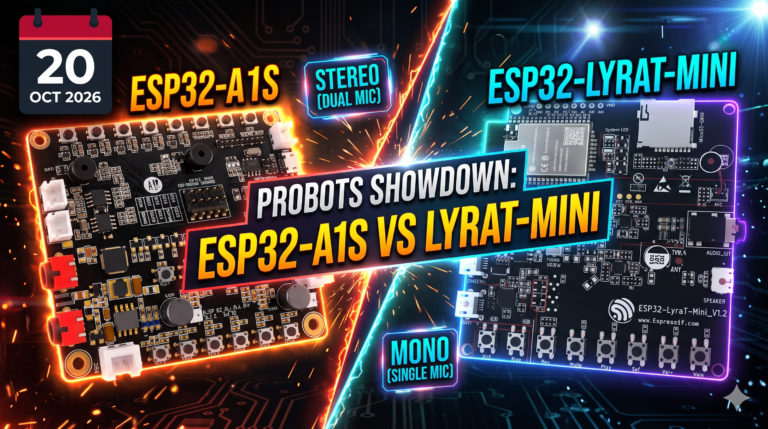 ● 15 min read
Vol. 60 | The Battle for the Silicon Ear You want to build a custom voice assistant that doesn’t send your data to the cloud, or maybe a multi-r
Read Article →