









 ● 20 min read
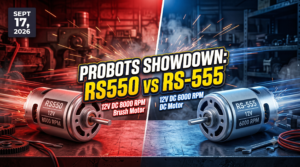
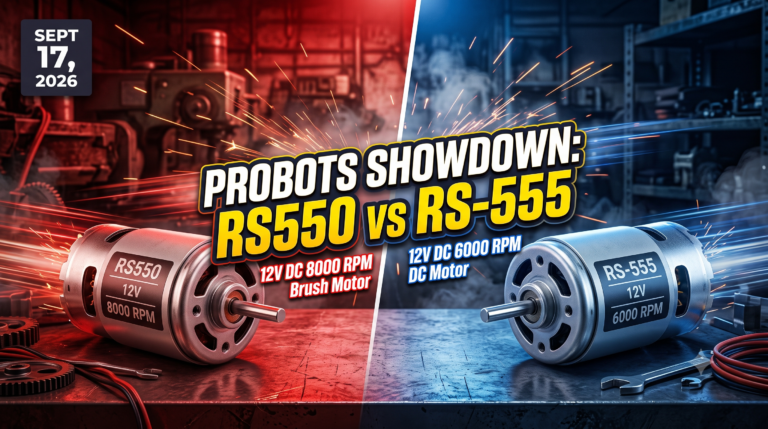
Showdown: RS550 12V DC 8000 vs RS-555 12V DC 6000 RPM DC Motor
Vol. 56 | The Heavyweight DC Drivetrain Duel Reliability isn’t optional when you’re designing actuators that need to move actual steel or
Read Article →
In the age of smartphones, your customers—whether they are doctors, factory operators, or consumers—expect a fluid, intuitive, and beautiful touch interface. They do not tolerate lag, pixelated fonts, or confusing menus. Yet, most embedded products still ship with clunky, 1990s-style interfaces because engineering teams underestimate the complexity of rendering 60FPS graphics on constrained hardware. UI/UX & HMI (Human-Machine Interface) Development is the discipline of bringing "smartphone-class" experiences to embedded devices. It is not just graphic design; it is deep systems engineering—optimizing every frame buffer, GPU shader, and memory block to ensure your interface is as responsive as it is beautiful.
What is HMI Development?
It is the end-to-end process of designing and building the graphical user interface (GUI) for an embedded device. This involves everything from the UX Research (how the user navigates) and UI Design (the look and feel) to the low-level Software Implementation (using frameworks like Qt, LVGL, or TouchGFX) and Hardware Integration (display drivers, touch controllers).
Our UI/UX & HMI Development service is the expert execution phase where we define the "face" of your product. We are not a web design agency; we are Embedded GUI Specialists. We understand that an embedded CPU has limited RAM and GPU power. Our core competency is building high-performance, hardware-accelerated interfaces that run smoothly on everything from low-power microcontrollers (STM32) to powerful application processors (i.MX 8).
We solve the critical business problems of "laggy" interfaces, confusing user workflows, and the massive gap between a designer's vision and the hardware's reality. We bridge this gap by having our designers and embedded engineers work in the same room.
Who Is This Service For?
We build HMIs on the industry's leading silicon and software stacks:
MPU Platforms (Linux/Android):

MCU Platforms (RTOS/Bare-Metal):
Design is creative, but implementation is technical. Our AI Co-Pilot accelerates the transition from "Pixel" to "Code."
The Tangible Payoff:

Our metrics are our proof: we have designed and deployed over 75+ production HMIs, ranging from simple 1-inch wearable screens to complex 21-inch industrial control panels.
Case Study 1: The "Sluggish" Industrial Controller
Problem: An industrial client replaced physical buttons with a 7-inch touch screen on their machine controller. They used a web-based UI running on a low-power Linux board. The result was a disaster: 2-second boot time became 45 seconds, and the screen lagged noticeably when operators tried to press buttons quickly. Users hated it and wanted the physical buttons back.
Process: We scrapped the heavy web browser architecture. We re-wrote the UI using Qt for Embedded Linux (C++). We optimized the Linux kernel boot time (using our$$Custom Embedded Linux Development$$ expertise) to launch the UI application immediately. We used OpenGLES hardware acceleration to offload graphics rendering to the GPU.
Result: The new system booted in 3 seconds. The interface ran at a locked 60FPS. The touch response was instant (<50ms). Operators loved the new responsiveness, and the client regained their market leadership.
Case Study 2: The "Instant-On" EV Battery Charger
Problem: A manufacturer of portable EV chargers needed a premium 4.3-inch display interface. The catch: it had to run on a low-cost microcontroller (STM32G0) to keep the BOM low, but users expected smartphone-like smoothness.
Process: We used TouchGFX on a bare-metal architecture. We utilized the STM32's Chrom-ART Accelerator (DMA2D) to offload graphical blending from the CPU. We implemented partial frame-buffering to save RAM.
Result: The UI was stunningly fluid and responsive, despite running on a $2 MCU. Crucially, the screen turned on and showed the "Charging Status" instantly (<100ms) after being plugged in, a critical user expectation for power devices.
Case Study 3: The Complex Medical Analyzer
Problem: A medical startup was building a blood analyzer. The UI needed to display real-time, high-speed graphs of sensor data while simultaneously running a complex analysis algorithm. The existing UI (built in Python/Tkinter) froze every time a test ran.
Process: We re-architected the system using Qt/C++ on an NXP i.MX 8. We separated the UI thread from the analysis thread. We used Qt Charts with OpenGL acceleration to render the heavy data visualization on the GPU, leaving the CPU free for the medical algorithm. We implemented a strict IEC 62304 compliant software development process.
Result: The analyzer could run tests and display smooth, real-time graphs simultaneously without a single stutter. The device passed FDA 510(k) clearance on the first attempt.

Case Study 4: The "Rugged" Construction Vehicle Dash
Our Engineering Philosophy: A pretty interface that lags is a broken interface. Performance is the most important feature.
When to Choose MCU (RTOS) vs. MPU (Linux) for HMI: This is the most common architectural question.
We engage with clients at any stage:

This is a critical strategic decision. The alternative to professional HMI development is often "Engineer Art" or mismatched web tech.
The Expert Partner Solution: We balance Aesthetics with Physics. We design interfaces that are beautiful and efficient. We know how to squeeze every drop of performance out of the hardware to deliver a premium experience without blowing the BOM cost.

Customers want a smartphone experience on their device, but an industrial or medical environment is not a living room. Novice designers and software engineers often copy iPhone patterns that fail disastrously in the field. We predict and prevent these failures:
The "Finger Sized" Problem: On a phone, you have a high-res retina screen and delicate touches. On a factory floor, the operator has greasy, thick safety gloves. Tiny "hamburger menus" and delicate swipe gestures are impossible. We design large, high-contrast touch targets with explicit boundaries that work with gloves and imperfect touches.
Environmental Visibility: An iPad screen washes out in direct sunlight. A medical device must be readable under harsh OR lights. We select high-brightness (1000+ nits) displays and design high-contrast UI themes (Black on Yellow, White on Blue) that remain legible in critical conditions.
Safety & Workflow Priorities: A web app hides errors. An embedded HMI must show them. We design for Safety Critical UX:

Hardware Reality:
An Industrial HMI designer doesn't just design "screens"; they design situational awareness. Their day-to-day work is fundamentally different from a web designer's:

Phase 1 (UX Research & Wireframing): We define the user journey. Who is the user? (e.g., A gloved factory worker needs large buttons; a consumer needs gesture controls). We create low-fidelity wireframes to map the navigation flow.
Phase 2 (UI Design & Prototyping): Our designers create the visual style (colors, typography, icons). We build an interactive Clickable Prototype (in Figma) so you can test the "feel" of the flow before we write code.
Phase 3 (Technical Architecture): We select the software stack (Qt vs. LVGL) and the hardware platform. We define the resource budget (RAM, Flash, CPU usage).
Phase 4 (Implementation & Optimization): We write the code. We implement the screens, bind the data to the backend logic (using Model-View-ViewModel (MVVM) patterns), and optimize rendering performance.
Phase 5 (Integration & Validation): We deploy to the real hardware. We test for responsiveness, touch accuracy, daylight readability, and long-term stability. We perform usability testing with real users to ensure the interface is intuitive.

What is MVC/MVVM and why do I need it for my HMI?
Model-View-Controller (MVC) and Model-View-ViewModel (MVVM) are architectural patterns that separate your UI code (the look) from your backend logic (the data). This is critical for embedded systems. It ensures that if the UI crashes or changes, your core machine logic (the safety loop) keeps running. It also allows designers to iterate on the UI without breaking the underlying C/C++ code.
Qt is expensive. Do I have to pay licensing fees?
Not necessarily. Qt has a commercial license (paid) and an Open Source (LGPL) license (free). For many devices, you can legally use the Open Source version for free, provided you comply with the LGPL terms (dynamic linking, allowing user replacement). We are experts in Qt licensing and can advise you on the best path. If you need a completely free, permissive license, we recommend LVGL (MIT License) or Slint.
Can you update the UI over the air (OTA)?
Yes. We separate the UI application from the OS. This allows us to push updates to the interface (new features, bug fixes, re-branding) remotely using our DevOps for Embedded Systems OTA pipelines, without needing to re-flash the entire device.
How do you handle "Gloved Touch" or "Wet Touch"?
This is a hardware/driver tuning issue. We select Capacitive Touch Controllers that support these features (like those from Goodix or FocalTech). We then tune the driver sensitivity settings in theBSP & Device Driver Development phase to distinguish between a finger, a glove, and a water droplet.
What about boot time? My user expects the screen on instantly.
We specialize in Fast Boot. We can optimize a Linux system to show a "splash screen" in <1 second and a fully interactive UI in <3-5 seconds. For MCUs (RTOS), we achieve "instant on" (<0.5s) performance.
Can you build a UI that supports multiple languages?
Yes. We architect the software with Internationalization (i18n) from day one. All text strings are stored in external translation files. This allows you to add support for new languages (including complex scripts like Chinese or Arabic) by simply adding a new text file, without changing the code.
Do you do the graphic design, or do I need to provide it?
We can do both. We have in-house UI Designers who specialize in embedded interfaces. However, if you have your own design team, we are happy to take their Figma/Adobe XD files and implement them pixel-perfectly.
How do you ensure the UI doesn't freeze?
We use a multi-threaded architecture. The UI rendering happens on the main thread, while heavy "blocking" tasks (like reading a sensor, network requests, or database queries) are offloaded to background threads. This ensures the UI remains responsive to touch 100% of the time, even if the backend is busy.
Can you integrate 3D graphics?
Yes. On capable hardware (like i.MX 8 or STM32MP1), we can use OpenGL ES to render 3D models, animations, and data visualizations. This is increasingly popular in automotive clusters and high-end medical displays.
Probots Electronics is highly regarded for its highly skilled team and knowledgeable staff who provide expert guidance to ensure customers select the right components for their technical projects. The business maintains a strong reputation for prompt service and reliable support, with many clients praising their quick response times and genuine commitment to customer satisfaction.


A very great place for electronics Such a well maintained shop... Felt good shopping here


Nice

For new developments kit available and they will support till working, and I suggest this place strongly


This place has all the electronic parts students will ever need, staff is friendly and the place is organised.


It was a really nice experience! I was happy to find such a wide range of robotics kits for kids, suitable for different age groups and learning levels.

Excellent experience




Good stuff

Buyed them. But no bargain. Helpful staff.


Available all children school project spears parts like electronics


It was good experience




Staff is very patient and helpful

One of the best place for electronics you will get everything you want! With the best and orginal quality

Very helpful staff and the best place to buy components for projects

Wonderful store with expert service and technically strong people.

Prompt delivery, excellent technical support


Large inventory of electronic components and parts. Well trained service personnel and technicians who can quickly identify and rectify product defect if any. They are a reliable and trustworthy online stores.

A very great place for electronics Such a well maintained shop... Felt good shopping here
Nice
For new developments kit available and they will support till working, and I suggest this place strongly
This place has all the electronic parts students will ever need, staff is friendly and the place is organised.
It was a really nice experience! I was happy to find such a wide range of robotics kits for kids, suitable for different age groups and learning levels.
Excellent experience
Good stuff
Buyed them. But no bargain. Helpful staff.
Available all children school project spears parts like electronics
It was good experience
Staff is very patient and helpful
One of the best place for electronics you will get everything you want! With the best and orginal quality
Very helpful staff and the best place to buy components for projects
Wonderful store with expert service and technically strong people.
Prompt delivery, excellent technical support
Large inventory of electronic components and parts. Well trained service personnel and technicians who can quickly identify and rectify product defect if any. They are a reliable and trustworthy online stores.
● 20 min readVol. 56 | The Heavyweight DC Drivetrain Duel Reliability isn’t optional when you’re designing actuators that need to move actual steel or
Read Article →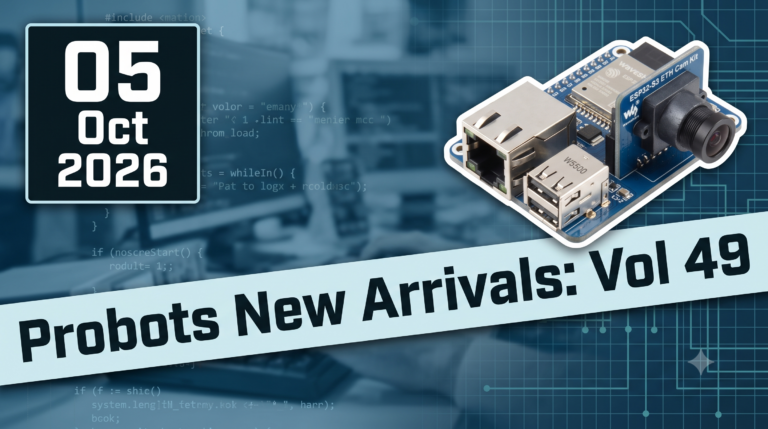 ● 13 min read
Workbench Vol. 49 🚀 The Project Trifecta: 3 Builds to Start Today We don’t just stock parts; we curate ecosystems. This week’s arrivals are desi
Read Article →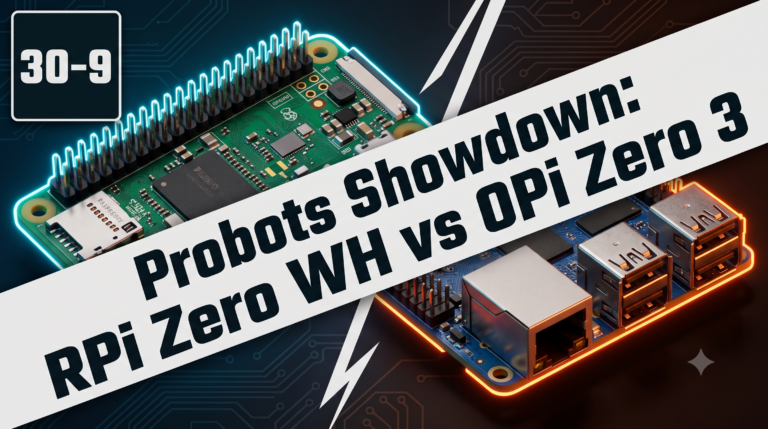 ● 18 min read
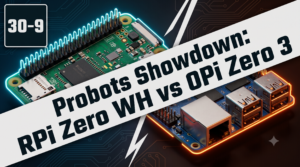
Vol. 59 | The Battle of the Bite-Sized Boards Picture a project that needs full Linux, networking, and GPIO—but has almost no room for a conventional
Read Article →