










 ● 20 min read
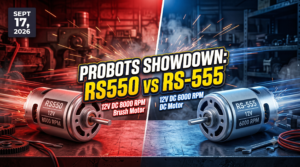
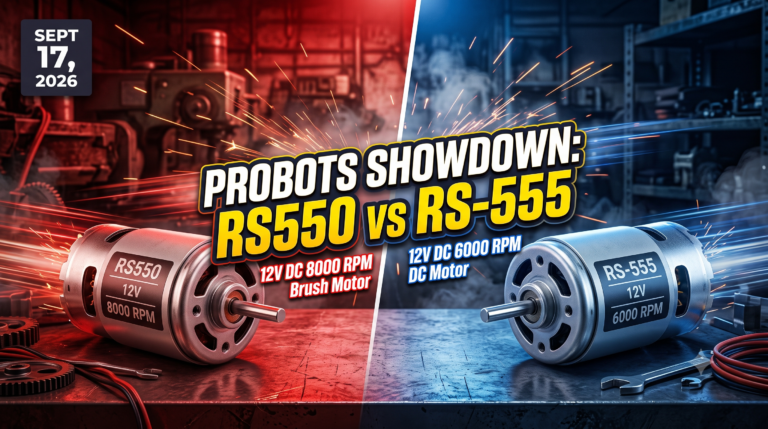
Showdown: RS550 12V DC 8000 vs RS-555 12V DC 6000 RPM DC Motor
Vol. 56 | The Heavyweight DC Drivetrain Duel Reliability isn’t optional when you’re designing actuators that need to move actual steel or
Read Article →
In product development, there is a moment of truth called "First Silicon." It’s when the freshly manufactured custom board, representing months of design and thousands of dollars, is powered on for the first time. Usually, nothing happens. No LEDs, no console output, just a "dead" board. This is where projects die. System Integration & Bring-Up is the high-stakes discipline of bridging the gap between a silent piece of hardware and a fully functional, intelligent product. It is not just debugging; it is the complex orchestration of power, physics, firmware, and mechanics. Our service ensures that your hardware doesn't just "turn on"—it wakes up, boots up, and performs reliably for years.
What is System Integration & Bring-Up?
System Bring-Up is the initial process of powering on a new hardware design, verifying basic electrical functionality, and loading the initial software (bootloader/OS) to reach a functional state. System Integration is the broader engineering phase that follows, where all subsystems (Power, Sensors, Connectivity, Application) are tuned to work together reliably as a cohesive product, meeting performance, thermal, and regulatory requirements.
Our System Integration & Bring-Up service is the expert execution phase where we marry your custom hardware with your embedded software. We are not just a design firm; we are full-stack system architects. Our core competency lies in solving the hardest problem in engineering: The Integration Gap. This is where the hardware team says, "The power rails are fine, it's a software bug," and the software team says, "The code works on the dev kit, it's a hardware issue."
We eliminate this friction by applying formal Root Cause Analysis (RCA) methodologies (such as 8D and Fault Tree Analysis) to every issue. We do not apply "patches"; we implement Corrective and Preventive Actions (CAPA). We are experts in low-level hardware debugging (JTAG/SWD, Oscilloscope analysis), bootloader porting (U-Boot/SPL), OS stabilization, and electro-mechanical integration. We validate everything from the Power Management IC (PMIC) sequencing to the DDR memory timing margins against JEDEC and IPC standards.
Who Is This Service For?

MPU Platforms (Linux/Android):
MCU Platforms (RTOS/Bare-Metal):
FPGA SoCs: Xilinx Zynq-7000, Zynq UltraScale+, AMD Kria.
Hardware debugging is often an intuitive art. We turn it into a data-driven science using our AI Co-Pilot, trained on terabytes of boot logs, power profiles, and failure modes from over 500+ projects.
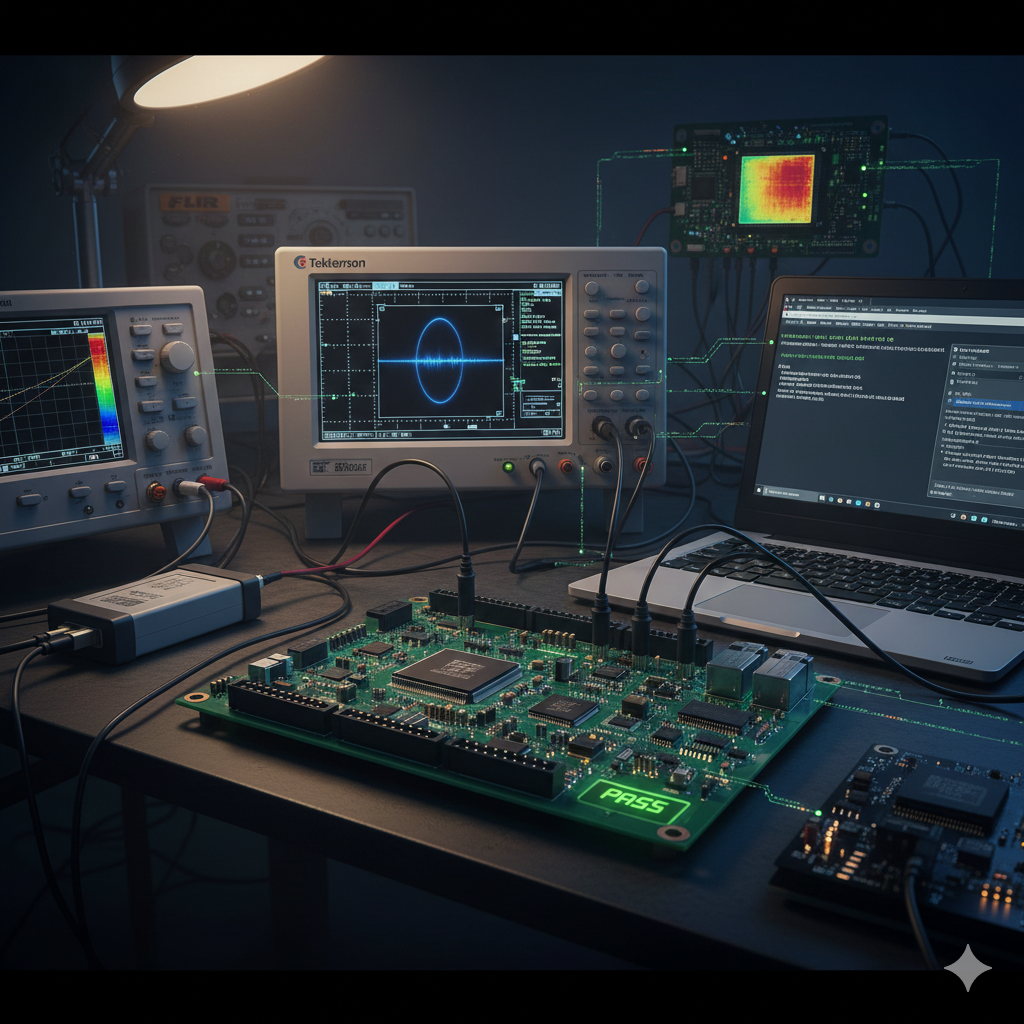
Our Engineering Toolchain: The Tools of the Trade
We don't just write code; we validate physics with industrial-grade tools.
The Tangible Payoff:
Our metrics are our proof: we have successfully brought up over 200+ custom board designs, achieving a 98% success rate in resolving "dead board" issues within the first sprint
Case Study: The "Haunted" Medical Tablet
Problem: A medical client had a custom tablet (NXP i.MX8) that would randomly reboot once every 48 hours. Three previous firmware teams failed to find the bug, blaming "cosmic rays" or "bad chips." The product was stalled for 6 months.
RCA & Validation Methodology: We deployed our full System Integration arsenal. We hooked up GHz-bandwidth logic analyzers to the DDR bus and monitored the PMIC (Power Management IC) rails with high-speed current probes. We ran a stress-ng script while inducing heavy Wi-Fi traffic. Our analysis revealed a tiny, 50-microsecond voltage droop on the VDD_CORE rail. This wasn't a software bug; it was poor Transient Load Response. When the Wi-Fi PA transmitted at max power simultaneous with a GPU redraw, the PMIC's loop compensation was too slow to react, causing a Brownout Reset.
Result: We modified the Device Tree (.dts) to adjust the PMIC voltage ramp rate and patched the Wi-Fi driver to smooth out power spikes. We also added software DVFS (Dynamic Voltage and Frequency Scaling) constraints. The random reboots vanished completely. The product passed IEC 60601 certification and is now in mass production.
Our Engineering Philosophy: A bug you cannot reproduce is a bug you cannot fix. We reproduce everything.
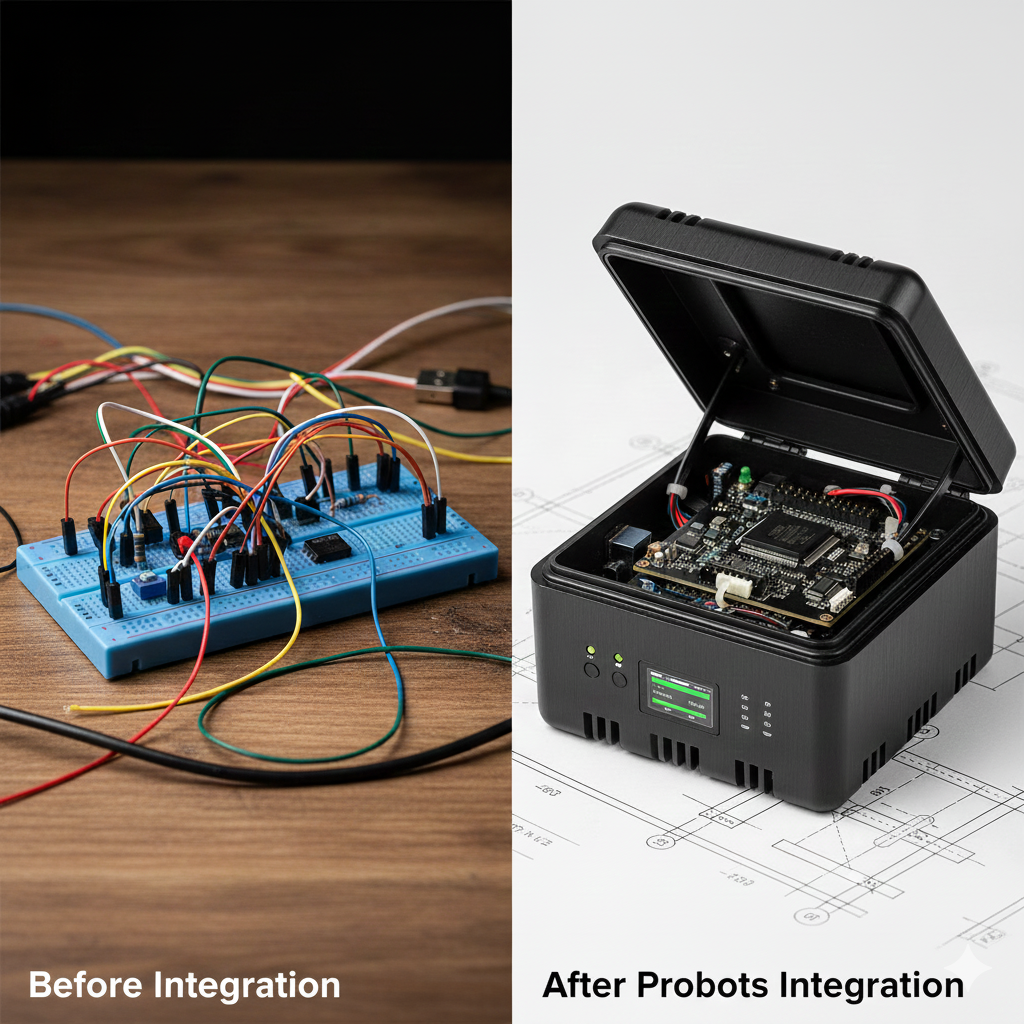
When to Choose Bring-Up vs. Full Design: If you have a PCB that won't boot, you need Bring-Up. If you haven't designed the PCB yet, you need
$$System Architecture Design$$
. We handle both, but knowing where you start saves time.
We engage with clients at any stage:
As a "Rescue Squad" (Standalone Service):
You have a prototype sitting on your desk. It gets hot, it doesn't boot, or the screen flickers. Your team is stuck. We parachute in with our oscilloscopes and kernel experts. We perform a Hardware/Software Audit, identify the root cause (whether it's a bad solder joint or a bad pointer), and fix it.
As a "Dev-Kit to Custom-Board" Migration Partner:
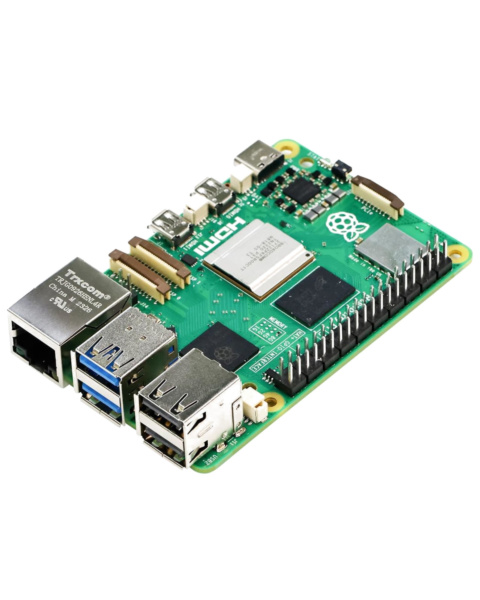
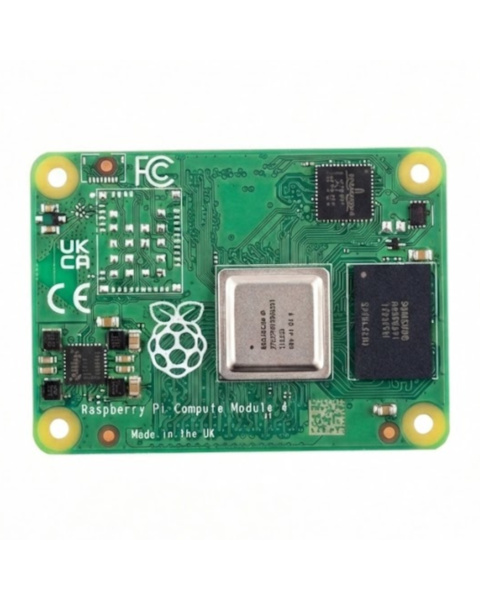
You have a working PoC on a Raspberry Pi. You need to move to a custom Compute Module carrier board or a fully custom PCB. We handle the terrifying transition of "porting" your working software to the new, silent hardware, ensuring all your peripherals (cameras, sensors) survive the move.

As an Integrated End-to-End Solution:
This is the gold standard. When we execute the$$High-Speed PCB Layout$$
and the$$BSP & Device Driver Development$$
bring-up is a non-event. It is a validation step, not a debugging step. Because we simulated the signal integrity and wrote the drivers for the specific pinout before manufacturing, our boards typically boot to a Linux console on Day 1.
This is a critical strategic decision. The alternative to professional bring-up is the "Blame Game."
| Feature | Typical In-House / App Team | Probots Expert Integration |
|---|---|---|
| Approach | "Trial and Error" (Guessing) | RCA-Driven (Scientific Method) |
| Tools | Printf debugging, Multimeter | Oscilloscopes, Logic Analyzers, JTAG |
| Stability | "Works on my desk" | Stable across temp/voltage (-40°C to +85°C) |
| Peripheral Fixes | "Software patches" (workarounds) | Hardware/Driver Root Cause Fixes |
| Time to Boot | Weeks/Months | Days (Systematic Process) |
The "Software-First Fallacy" (The "It's Just Code" Trap):
This is the most dangerous trap for seasoned software companies. You have 50 brilliant backend and app engineers. You assume embedded is just "software on a smaller computer." It is not.
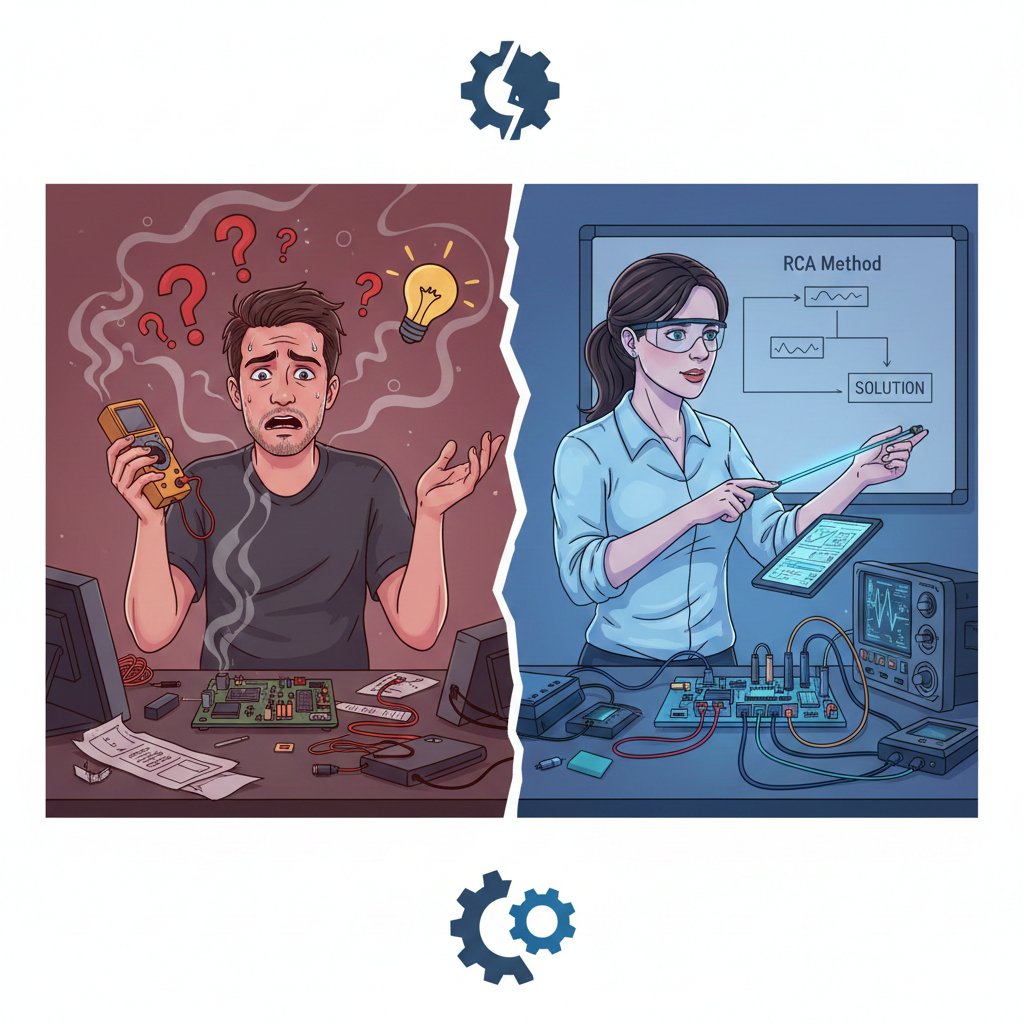
The Expert Partner Solution: We own the whole problem. Whether it's a cold solder joint, a wrong capacitor value, or a kernel panic, we fix it. We provide a single point of accountability for the success of your product.
Most engineering teams can fix a simple dead board. It is the subtle, intermittent, and complex "Edge Cases" that destroy production timelines. We specialize in identifying these failures using formal RCA (Root Cause Analysis):
RF Desense (Self-Interference): The GPS works fine until you turn on the HDMI screen, and then it loses lock. Root Cause: High-speed digital harmonics (EMI) jamming the RF receiver. Resolution: Spread-spectrum clocking and driver-strength tuning in the Device Tree.
Suspend-to-RAM "Zombies": The device sleeps perfectly but wakes up with a "dead" Wi-Fi module. Root Cause: Improper driver state-saving or power-rail sequencing during resume. Resolution: Deep kernel pm_ops debugging and logic analyzer tracing of the resume sequence.
The "Marginal" PCIe/USB 3.0 Link: It works on 9 boards but fails on the 10th. Root Cause: SerDes signal integrity issues (closed "Eye Diagram"). Resolution: Tuning PHY parameters (Pre-emphasis, Voltage Swing) in the bootloader to match PCB impedance.
Filesystem Corruption on Power Cut: The device dies after 50 hard reboots. Root Cause: Writing to raw NAND/NOR flash without atomic updates. Resolution: Migrating to Read-Only rootfs (SquashFS) with overlay management or atomic file systems.
The "Wrong Component" Trap: The board restarts under load because the assembly house swapped a capacitor for a "cheaper equivalent." Root Cause: Component ESR (Equivalent Series Resistance) mismatch affecting loop stability. Resolution: Rigorous BOM validation and dynamic load transient analysis.
FPGA-Linux "Version Drift": The driver loads but reads garbage data. Root Cause: AXI Bus address mismatch between the FPGA bitstream and Linux Device Tree. Resolution: Implementing version-register handshakes during probe.
Audio "Pops" and Sequencing: Loud clicks on boot-up. Root Cause: Amplifiers enabling before DAC bias voltage stabilizes. Resolution: Precise ALSA machine driver (DAPM) sequencing
Secure Boot "Bricking": A prototype is permanently bricked after enabling security. Root Cause: Writing the wrong hash to OTP (One-Time Programmable) fuses. Resolution: Simulated fuse-blowing protocols before physical commitment.
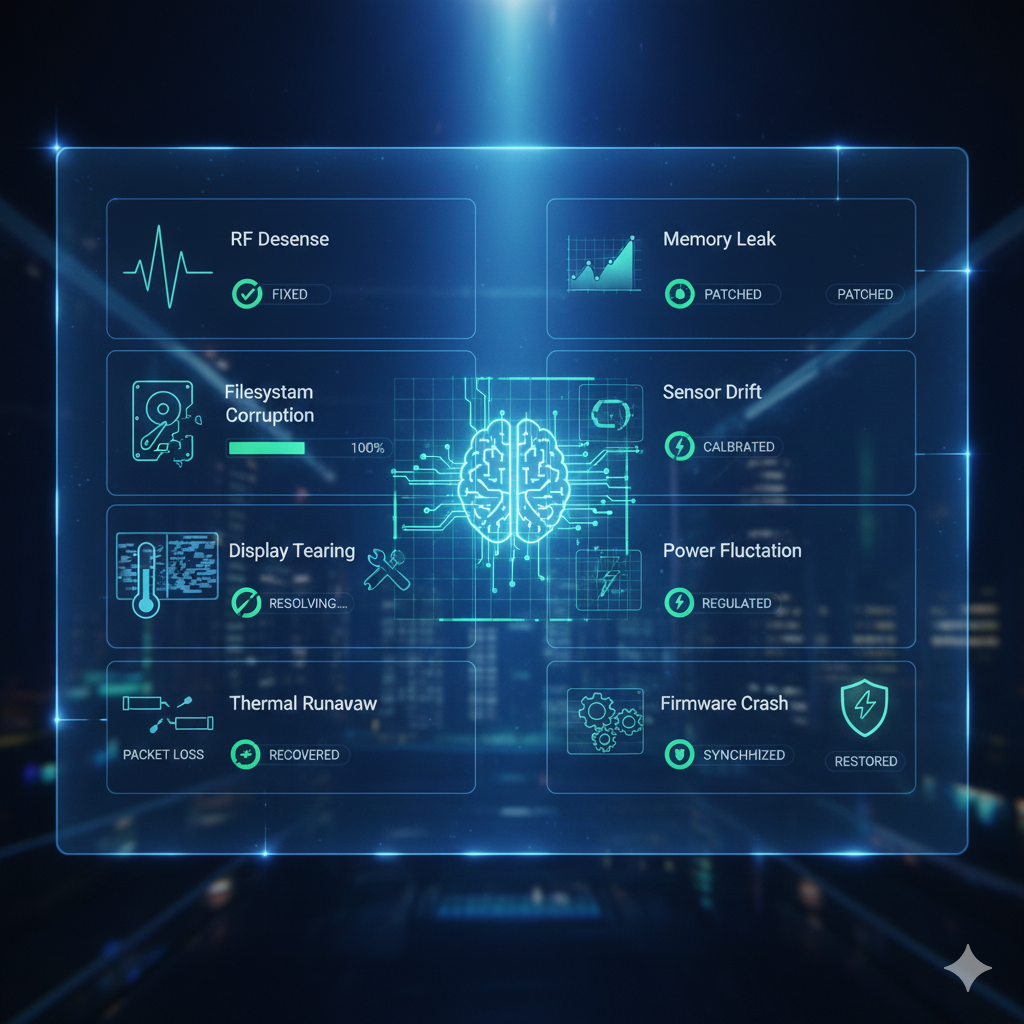
Display "Tearing": Horizontal lines flicker on the GUI during animation. Root Cause: Pixel Clock Mismatch between CPU and Panel V-Sync. Resolution: Fine-tuning DRM/KMS timing parameters (front/back porch) in the kernel.
The Factory Flashing Bottleneck: It takes 15 minutes to flash one unit, killing production throughput. Root Cause: Slow USB/UART protocols. Resolution: Implementing Fastboot over UDP or USB Mass Storage Gadget to saturate flash write speeds.
Phase 1: Hardware Validation (EVT - "The Smoke Test")
Failure Mode (The "Instant Fry"): You plug in the USB/Power, and the board immediately smokes or a chip glows red hot. This is a dead short on a main power rail (VCC to GND).
Corrective Action: Before applying any power, we perform rigorous impedance checks on all power rails (3.3V, 1.8V, 1.1V Core) against ground. We verify that the PMIC (Power Management IC) sequencing matches the datasheet exactly. We use thermal cameras during the first power-up to instantly spot any component heating up abnormally (e.g., a capacitor installed backward or a solder bridge).
Phase 2: Signal Integrity & Clocks (EVT - "The Heartbeat")
Failure Mode (Unstable Clocks): The power is good, but the CPU won't start. Often, the main crystal oscillator (24MHz or 25MHz) isn't oscillating due to incorrect load capacitors or poor soldering.
Corrective Action: We connect high-impedance active probes to the CLK test pads and view the waveform on a GHz-bandwidth oscilloscope. We verify the frequency, amplitude, and stability of the heartbeat. If the heart isn't beating, the brain won't wake up.
Phase 3: The Handshake (DVT - JTAG/SWD & Reset Logic)
Failure Mode (Locked CPU): The CPU is powered and clocked, but it's "held in reset" or stuck in a boot loop. Or, the "strapping pins" (boot mode selection) are pulled to the wrong voltage, forcing the chip into a test mode instead of boot mode.
Corrective Action: We attach a JTAG/SWD hardware debugger (Segger J-Link or Lauterbach) to take direct control of the processor core. We verify the "Power-On Reset" (POR) timing curve and check the voltage levels of all boot configuration pins.
Phase 4: Memory & Bootloader (DVT - "The Brain")
Failure Mode (DDR Training Failure): The board attempts to boot but crashes immediately. This is usually RAM instability. Modern DDR4/LPDDR4 memory runs at incredibly high speeds (1.6GHz+). If the PCB traces are even 1mm off in length matching, the signal arrives too late, and the data is corrupted.
Corrective Action: We use DDR tuning tools to calibrate the timing delay (skew) for every single data line. We analyze the "eye diagram" of the RAM signals on the oscilloscope to ensure clean 1s and 0s. Once stable, we port the Secondary Program Loader (SPL) and U-Boot.
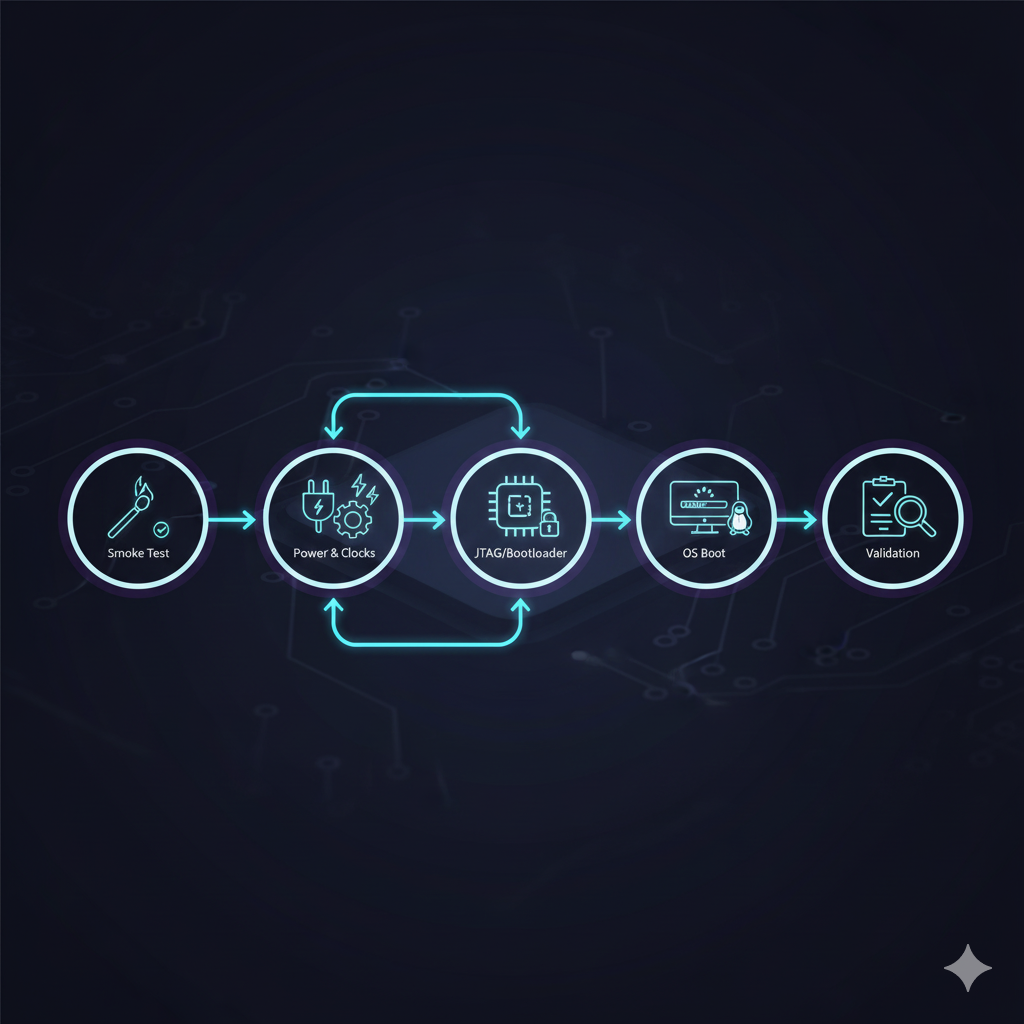
Phase 5: Kernel & OS Bring-Up (DVT - "The Soul")
Failure Mode (The Kernel Panic): The bootloader works, but Linux crashes halfway through booting with a "Kernel Panic." This is often due to a wrong Device Tree description (e.g., assigning a driver to the wrong I2C address).
Corrective Action: We systematically enable drivers one by one. We use early printk debugging to catch crashes before the console initializes. We validate low-level buses (I2C, SPI, UART) using logic analyzers to confirm the software is talking correctly to the hardware.
Phase 6: System Validation (PVT - Stress Testing & Connectivity)
Failure Mode (The "Field Failure"): The unit works on the desk but reboots when it gets hot or runs for 24 hours. The cloud connection drops intermittently.
Corrective Action: We run stress-ng and memtester scripts to max out the CPU and RAM while monitoring the core temperature. We perform RF Validation using spectrum analyzers to tune the antenna matching network, ensuring the device maintains a stable, high-throughput connection to your [Cloud Backend & IoT Platform].
Phase 7: Handoff & Empowerment
We don't just hand you a working unit. We deliver:
Manufacturing Test Image: A specialized, fast-booting OS image with automated "Pass/Fail" scripts for every peripheral, ready for your factory line.
Bring-Up Report: A detailed document logging every fix, patch, and tuning parameter (DDR, PMIC, Thermal).
Environment Setup: We set up the build environment and JTAG tools on your team's machines so they can continue development.
My board is completely dead. No LEDs, nothing. Can you help
Yes. A "dead" board usually has a simple cause: a short on a power rail, a held-in-reset line, or a missing clock. We use thermal cameras to find shorts and oscilloscopes to trace the power sequence. We almost always find the heartbeat.
How do you debug a board without software?
We use JTAG/SWD hardware debuggers (like Segger J-Link or Lauterbach). This allows us to take control of the CPU core directly, bypassing the flash memory, to inspect registers and RAM even if the board has no firmware on it.
What is "DDR Tuning" and why do I need it?
Modern RAM (DDR3/4, LPDDR4) runs at incredibly high speeds. The trace lengths on your custom board are different from the dev kit. We must "tune" the timing delays in software to match your physical copper traces. Without this, your device will crash randomly or corrupt data.
Do you handle mechanical integration issues?
Yes. System Integration means the whole system. We debug issues like "the Wi-Fi fails when the metal case is closed" (antenna detuning) or "the CPU throttles inside the enclosure" (thermal management). We work with our Industrial Design partners to solve these physical constraints.
Can you bring up a board designed by another firm?
Yes. About 40% of our work is "rescue" projects. We will need the Schematics, Gerber files, and BoM. We act as independent auditors and integrators to get your project moving again.
Do you support manufacturing test software?
Absolutely. A production board needs a "Manufacturing Test Image." We build a special, minimal OS image that boots quickly and automatically tests every peripheral (Green LED = Pass, Red LED = Fail) so your factory can test 1,000 units a day efficiently. This is part of our ATE Systems service.
Probots Electronics is highly regarded for its highly skilled team and knowledgeable staff who provide expert guidance to ensure customers select the right components for their technical projects. The business maintains a strong reputation for prompt service and reliable support, with many clients praising their quick response times and genuine commitment to customer satisfaction.


A very great place for electronics Such a well maintained shop... Felt good shopping here


Nice

For new developments kit available and they will support till working, and I suggest this place strongly


This place has all the electronic parts students will ever need, staff is friendly and the place is organised.


It was a really nice experience! I was happy to find such a wide range of robotics kits for kids, suitable for different age groups and learning levels.

Excellent experience




Good stuff

Buyed them. But no bargain. Helpful staff.


Available all children school project spears parts like electronics


It was good experience




Staff is very patient and helpful

One of the best place for electronics you will get everything you want! With the best and orginal quality

Very helpful staff and the best place to buy components for projects

Wonderful store with expert service and technically strong people.

Prompt delivery, excellent technical support


Large inventory of electronic components and parts. Well trained service personnel and technicians who can quickly identify and rectify product defect if any. They are a reliable and trustworthy online stores.

A very great place for electronics Such a well maintained shop... Felt good shopping here
Nice
For new developments kit available and they will support till working, and I suggest this place strongly
This place has all the electronic parts students will ever need, staff is friendly and the place is organised.
It was a really nice experience! I was happy to find such a wide range of robotics kits for kids, suitable for different age groups and learning levels.
Excellent experience
Good stuff
Buyed them. But no bargain. Helpful staff.
Available all children school project spears parts like electronics
It was good experience
Staff is very patient and helpful
One of the best place for electronics you will get everything you want! With the best and orginal quality
Very helpful staff and the best place to buy components for projects
Wonderful store with expert service and technically strong people.
Prompt delivery, excellent technical support
Large inventory of electronic components and parts. Well trained service personnel and technicians who can quickly identify and rectify product defect if any. They are a reliable and trustworthy online stores.
● 20 min readVol. 56 | The Heavyweight DC Drivetrain Duel Reliability isn’t optional when you’re designing actuators that need to move actual steel or
Read Article → ● 13 min read
Workbench Vol. 49 🚀 The Project Trifecta: 3 Builds to Start Today We don’t just stock parts; we curate ecosystems. This week’s arrivals are desi
Read Article → ● 18 min read
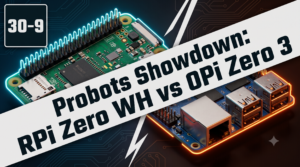
Vol. 59 | The Battle of the Bite-Sized Boards Picture a project that needs full Linux, networking, and GPIO—but has almost no room for a conventional
Read Article →